Filament Drying
How to tell if your filament is wet
Moisture imitates six other faults convincingly. Three signs are close to conclusive, and the rest are circumstantial.
By Michael W. · Published October 5, 2026
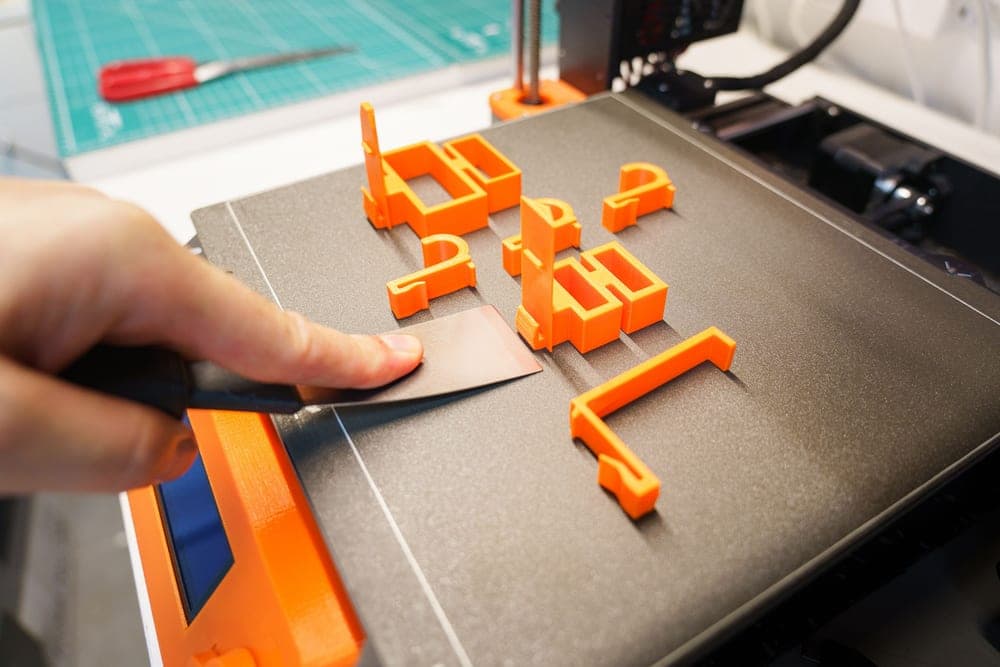
The three signs that are nearly conclusive
- Popping, hissing or crackling from the nozzle while printing. That is steam. Steam means water. This one is close to definitive on its own.
- Filament that snaps instead of flexing when you bend a length between your fingers. Brittleness indicates hydrolysis — a chemical change from absorbed water.
- Stringing that gets worse through a long print rather than being constant from the first layer. That pattern points at the spool warming and releasing moisture, not at a slicer setting.
The signs that are suggestive but not proof
These all have other common causes, so treat them as reasons to investigate rather than conclusions:
| Symptom | Also caused by |
|---|---|
| Rough or furry surface finish | Over-extrusion, a worn nozzle, too high a layer height |
| Weak, brittle finished parts | Too much part cooling, low print temperature, thin walls |
| Inconsistent extrusion | A partial clog, worn extruder gears, drag in the filament path |
| Visible bubbles or voids in walls | Under-extrusion from a clog or bad flow calibration |
| Blobs and zits on surfaces | Retraction settings, excessive nozzle temperature |
| Poor layer adhesion | Over-cooling, low temperature, printing too fast |
This table is why moisture is the most misdiagnosed fault in 3D printing. Every row is a symptom people confidently attribute to something else.
The test that settles it, for free
Dry a suspect spool — in a dryer, a food dehydrator or carefully in an oven — and print the same part again with the same settings. Nothing else changed.
- Improves: it was moisture. You now know, and you also know a dryer is a justified purchase.
- No change: it was not moisture. Stop drying and go to print quality triage, which sorts symptoms by cause across the whole machine.
This is the single most useful diagnostic step available, because it eliminates a variable that sits behind many other apparent faults. Drying methods and their rules.
Which materials to suspect first
- Nylon, PC, PA-CF. Suspect these immediately and always. They absorb fast enough to ruin a print within a day of opening the bag.
- TPU. Brittle TPU is wet TPU, almost without exception. Flexible filament that snaps has one cause.
- PETG. The material most people first learn about drying from. Stringing is its signature.
- PLA. Mildly hygroscopic, so suspect it last — unless you live somewhere humid or the spool has been open for months, in which case it is as likely as anything else.
Over-dry filament is also a thing
Worth knowing because the symptom overlaps. Filament dried too hot or for too long becomes brittle, and brittle filament snaps inside an AMS path — which is the single most common cause of a feed failure.
So "snaps when bent" has two possible explanations: absorbed moisture causing hydrolysis, or excessive drying. The distinguishing detail is history. If it snapped before you dried it, moisture. If it started snapping after an aggressive drying cycle, you overdid it. Feed failures.
Where to go next
How to dry it, whether to buy a dryer, and print quality triage if drying changed nothing.
What to buy
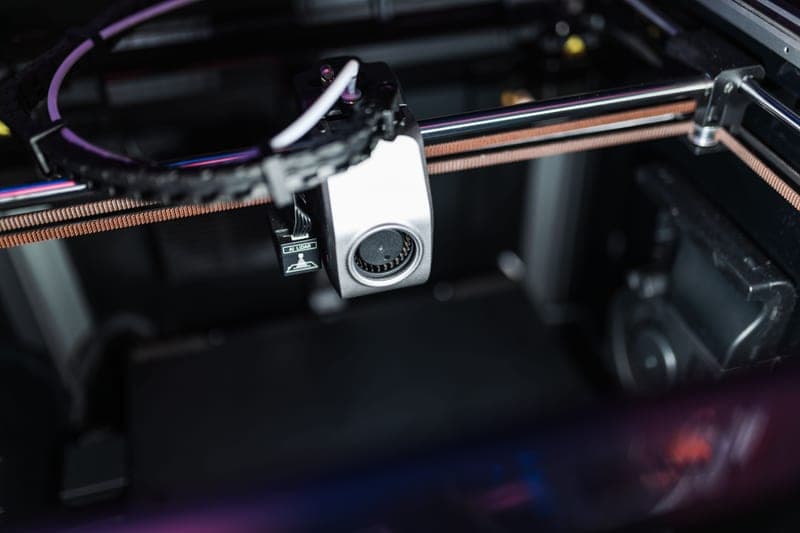
Stock photograph of this product class, not of this specific unit.
#ad We earn a commission · live price shown on Amazon
1. The cheapest way to eliminate the variable
SUNLU FilaDryer S2
A cited 35-70 C range, which lets you rule moisture in or out in a single cycle.
The reason to own a dryer even if you are not sure you need one: it turns moisture from a suspicion into a tested variable. Dry the spool, print the part again, and you know.
A cited 35-70 C range covers PLA, PETG and TPU, and the unit is noted as quiet enough to run overnight.
What it gets right
- 35-70 C covers PLA, PETG and TPU, which is most of what actually goes wet in a hobby workshop
- Quiet enough to run overnight in a room you sleep in
- The cheapest entry point that is still a real dryer rather than a warm box
What it does not
- 70 C ceiling means nylon, PC and PA-CF are out of range
- One spool at a time, which does not fit a four-color job
- No printing from the unit, so a dried spool starts re-absorbing the moment it comes out
| Temperature range (cited) | 35-70 C |
|---|---|
| Capacity | One spool |
| Diameters | Supports all common filament diameters |
| Noted | Quiet enough for overnight drying |
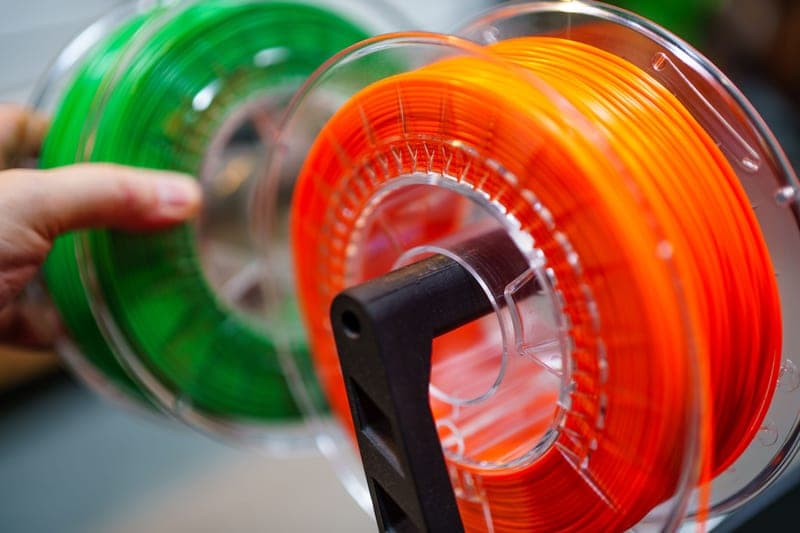
Stock photograph of this product class, not of this specific unit.
#ad We earn a commission · live price shown on Amazon
2. Best if you own an enclosed Bambu machine
Bambu Lab AMS 2 Pro
Active drying in the unit that feeds the printer, so the problem stops recurring.
If your moisture problems keep returning, this is why: drying is an action and staying dry is a condition. An AMS 2 Pro maintains the condition, because the spool never leaves the sealed box.
Four spools, active drying, humidity monitoring and RFID logging, for the enclosed P-series and X-series machines.
What it gets right
- Active drying means the spool you print from is the spool you dried — no transfer step, no re-absorption window
- Four colors on a machine you already own, for a fraction of a new printer
- RFID logging removes the single most common cause of a ruined multi-color print: the wrong material profile
What it does not
- Four-color printing wastes filament on every tool change; the purge tower is real and it is not small
- If you only print single-color PLA, you are buying a dryer with a filament changer attached
- Needs the space beside or above the printer that your shelf may not have
| Type | Four-spool automatic material system |
|---|---|
| Headline feature | Active filament drying |
| Inherits | Humidity monitoring and RFID logging from the original AMS |
Questions people actually ask
How do I know if my filament is wet?
Three signs are close to conclusive. Popping, hissing or crackling from the nozzle during printing is steam, and steam means water. Filament that snaps rather than flexing when you bend it has absorbed moisture. And stringing that worsens through a long print, rather than being constant from the first layer, points at the spool releasing moisture as it warms.
Why is my filament brittle?
Usually absorbed moisture causing hydrolysis, which is a chemical change rather than surface dampness. The other possibility is over-drying - filament dried too hot or too long also becomes brittle. The distinguishing detail is history: if it started after an aggressive drying cycle, you overdid it.
Why is my print stringing?
Moisture is the first thing to check, especially if the stringing gets worse as the print progresses rather than being constant from the start. Retraction settings and excessive nozzle temperature are the other common causes, but people tune those for weeks on a problem six hours in a dryer solves.
Can wet filament cause weak parts?
Yes. Steam in the melt creates voids and interferes with layer bonding, so parts come out weaker than the material should be. Too much part cooling and too low a print temperature cause the same symptom, which is why drying is worth eliminating as a variable first.
How do I prove moisture is the problem?
Dry a suspect spool and print exactly the same part again with the same settings. If it improves, it was moisture. If nothing changes, it was not, and you should stop drying and work through print quality triage instead. It is the most useful diagnostic step available because moisture sits behind so many other apparent faults.
Sources
Read this next
- How to dry filamentFour drying methods compared, the temperature each material wants, and the one method that does not work despite being widely suggested.
- Is a filament dryer worth it?Who a dryer genuinely pays for, who should buy sealed storage instead, and the free test that settles it before you spend.
- Print quality triageThe central symptom-to-cause table for the whole site, with the two free checks that resolve most problems before any purchase.
- AMS not loading filamentThe four real causes of an AMS feed failure in diagnostic order, three of which cost nothing and take minutes.
- The best filament dryers in 2026Dryer picks split by temperature range and capacity, because a 70 C unit and a 110 C unit are different products for different materials.