AMS & Color
The best Bambu Lab AMS accessories
The AMS is the best-value upgrade Bambu sells. These are the units and the parts around them that actually earn their place.
By Michael W. · Published October 5, 2026
Some links here are Amazon affiliate links, so a purchase may earn this site a commission at no cost to you. It does not change what gets recommended or the order it appears in — how that works.
Quick picks
Tap any row to jump to the full write-up. Prices and stock live on Amazon, never here.
| # | Product | Best for | Price |
|---|---|---|---|
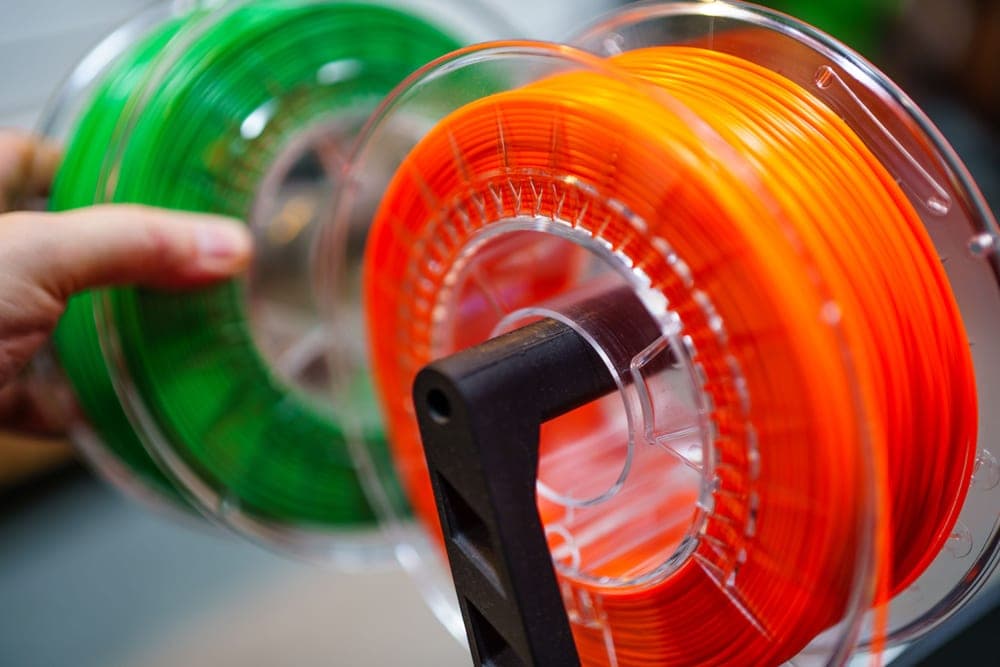
| 1 | 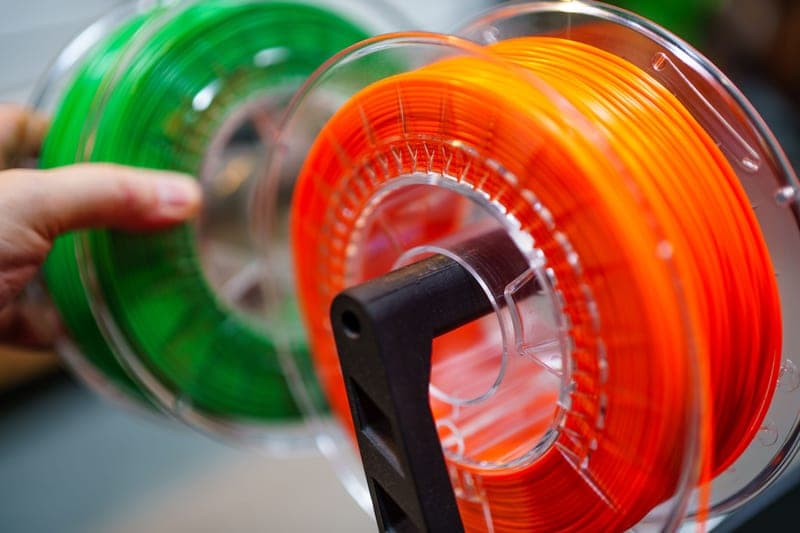 Bambu Lab AMS 2 Pro Four colors and active drying in one box, which is the whole reason it beats the original AMS. | Best AMS upgrade The single best upgrade for a P1S or X1C owner who is tempted by a new printer | Check price on Amazon #ad We earn a commission · live price shown on Amazon |
| 2 | Bambu Lab AMS Lite The only AMS that fits the A-series, and genuinely good at color changes. | Best for the A1 and A1 mini Four-color printing on an A1 or A1 mini — the only AMS that fits them | Check price on Amazon #ad We earn a commission · live price shown on Amazon |
| 3 | 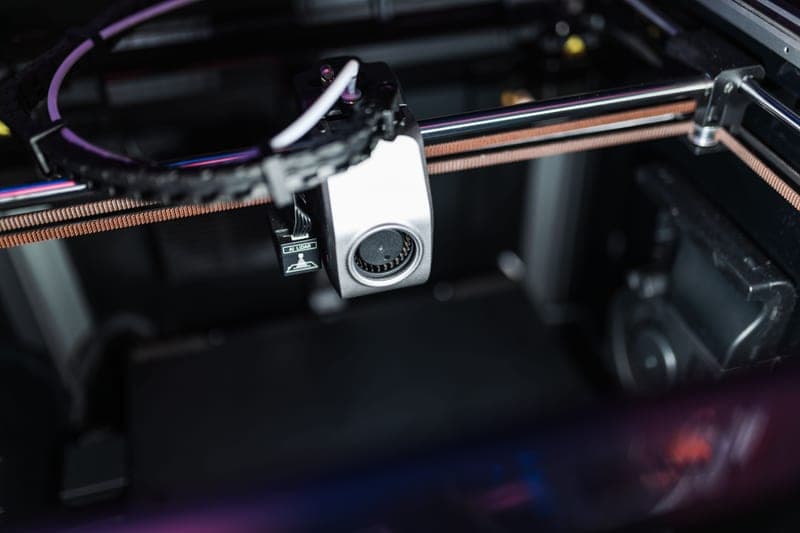 Bambu Lab AMS HT One spool, dried hotter than the 2 Pro manages, printed straight from the unit. | Best for engineering filament One engineering-grade spool, dried hot, printed straight from the unit | Check price on Amazon #ad We earn a commission · live price shown on Amazon |
| 4 | Bambu Lab AMS Sealed storage with humidity monitoring, and no drying. It tells you the filament is wet. | Cheapest route to four colors Adding four colors to a P-series or X-series printer at the lowest cost | Check price on Amazon #ad We earn a commission · live price shown on Amazon |
| 5 |  BIQU Panda Claw Extruder Gear Set Hardened coated gears, for the under-extrusion people replace whole units over. | Best fix for filament not feeding Worn extruder gears that are chewing filament instead of pushing it | Check price on Amazon #ad We earn a commission · live price shown on Amazon |
| 6 |  BIQU Panda Stack An aluminum rack, because an A1 with AMS Lite on top owns your desk. | Best for reclaiming desk space Getting an A1's spools, AMS Lite and accessories off the desk and onto a frame | Check price on Amazon #ad We earn a commission · live price shown on Amazon |
The short answer
P1S, P2S, X1C, X2D or H-series owner: the AMS 2 Pro. Four colors plus active drying, and the drying is what makes it better than the original AMS rather than just newer.
A1 or A1 mini owner: the AMS Lite — the only one that fits. Budget for a dryer alongside it, because open-air spools have no moisture protection.
Printing nylon, PC or carbon-filled: the AMS HT, or a high-temperature standalone dryer. Standard units top out too low for those materials.
How this page is ranked
By what each item fixes, not by price and not by newness. Stated before the picks so you can disagree with the reasoning rather than just the conclusion:
- Does it fit your printer? This category has a hard compatibility split and it causes more wrong purchases than anything else on this site. The sealed AMS units fit the enclosed P-series and X-series; AMS Lite fits the A-series. They are not interchangeable.
- Does it solve moisture or just report it? The single most useful distinction in the AMS lineup, and the reason the 2 Pro is the pick over the original.
- Is it a repair or an upgrade? The gear set is a repair. Buying a repair you do not need is waste, so it is ranked where it is with that caveat attached.
- Who is it wrong for? On every entry, without exception.
The compatibility table, because this is where money gets wasted
| Unit | Spools | Fits | Drying |
|---|---|---|---|
| AMS | 4 | Enclosed P-series and X-series | None — humidity monitoring only |
| AMS 2 Pro | 4 | Enclosed P-series and X-series | Active |
| AMS Lite | 4 | A1 and A1 mini only | None — open air |
| AMS HT | 1 | Check fitment for your model | Active, high temperature |
The costs that are not on the box
Purge waste is real and it is not small
Every color change pushes the old filament out of the nozzle before the new one starts. That is the purge tower, and on a print with changes on every layer it can consume a meaningful share of the filament. You get better at managing it — fewer changes per layer, sensible color ordering, sometimes a purge block that is itself a useful object — but it never goes to zero.
For a simple two-tone print, a manual filament swap at a layer change produces zero purge waste and needs no hardware at all. How to do that properly.
TPU is the material that disappoints people
Soft filament and a long guided path fight each other, and the usual failure is the filament buckling rather than feeding. Most owners end up feeding TPU directly into the extruder instead of through the AMS. That is not a defect, it is a property of flexible material in a long path — what actually works with TPU.
Space
Four spools need somewhere to live, and on an open-frame machine that place is your desk. The rack above is in this roundup for that reason.
What I have not done
I have not run every unit on this page, and there is no test rig behind this site — no humidity chamber, no measured drying curves, no decibel figures. What this page is: published specifications, cited to the sources at the bottom, plus judgment about which problem each unit solves. Where a figure is not in a source, it is absent rather than estimated. How this site works.
Every pick in full
Stock photograph of this product class, not of this specific unit.
#ad We earn a commission · live price shown on Amazon
1. Best AMS upgrade
Bambu Lab AMS 2 Pro
Four colors and active drying in one box, which is the whole reason it beats the original AMS.
If you own a P1S, P2S or X-series machine and you are tempted by a new printer, this is the purchase that usually makes the temptation go away. Four colors plus active drying, on the machine you already have, for a fraction of a replacement.
Active drying is the part that matters more than the color count. Dry a spool in a separate box and it starts reabsorbing moisture the moment you mount it; a twelve-hour print undoes a drying cycle on nylon. Drying inside the unit you print from closes that window entirely, and nothing else in the lineup does that except the AMS HT.
It inherits humidity monitoring and RFID logging from the original AMS. RFID matters more than it sounds: the single most common cause of a ruined multi-color print is the wrong material profile, and logging removes it.
What it gets right
- Active drying means the spool you print from is the spool you dried — no transfer step, no re-absorption window
- Four colors on a machine you already own, for a fraction of a new printer
- RFID logging removes the single most common cause of a ruined multi-color print: the wrong material profile
What it does not
- Four-color printing wastes filament on every tool change; the purge tower is real and it is not small
- If you only print single-color PLA, you are buying a dryer with a filament changer attached
- Needs the space beside or above the printer that your shelf may not have
| Type | Four-spool automatic material system |
|---|---|
| Headline feature | Active filament drying |
| Inherits | Humidity monitoring and RFID logging from the original AMS |
Stock photograph of this product class, not of this specific unit.
#ad We earn a commission · live price shown on Amazon
2. Best for the A1 and A1 mini
Bambu Lab AMS Lite
The only AMS that fits the A-series, and genuinely good at color changes.
If you own an A1 or A1 mini, this is not a choice — the sealed AMS units do not fit the A-series. What it does, it does well: four-color printing on the cheapest printers Bambu sells.
The open-air design has one real advantage that gets overlooked. When filament jams, you can see where and reach it, which on a sealed unit is a teardown. For anyone new to multi-color printing that is worth something.
Its weakness is the same thing: open air means no moisture protection at all. On an A-series machine the honest total cost of multi-color is AMS Lite plus a dryer plus sealed storage.
What it gets right
- The only way to get four-color printing on the A-series, and it does it well
- Open-air design makes a jam visible and reachable instead of a teardown
- Cheapest multi-color hardware Bambu sells
What it does not
- Open air means zero moisture protection — in a humid room your filament is exposed between prints
- No active drying and no sealed chamber, so PETG, TPU and nylon all need a separate dryer
- Not compatible with the P-series or X-series
| Type | Compact, open-air four-spool variant |
|---|---|
| Fits | A1 and A1 mini |
| Enclosure | None — spools sit in open air |
Stock photograph of this product class, not of this specific unit.
#ad We earn a commission · live price shown on Amazon
3. Best for engineering filament
Bambu Lab AMS HT
One spool, dried hotter than the 2 Pro manages, printed straight from the unit.
A single-spool unit with high-temperature active drying. That combination is exactly right for nylon, polycarbonate and carbon-filled engineering filament — materials you rarely want four of, and which absorb moisture fast enough to ruin a print within a day of opening the bag.
Printing directly from a heated unit is the key feature. Standard dryers top out around 70 C, which is not enough for nylon, and even a high-temperature standalone dryer leaves the reabsorption gap open once the spool comes out.
Worth comparing honestly against a standalone high-temperature dryer, which covers more spools for less money if engineering filament is occasional rather than routine — that comparison.
What it gets right
- Dries at a higher temperature than the AMS 2 Pro, which is what nylon and PC actually need
- Prints directly from the dryer, so there is no window where a dried spool sits absorbing moisture again
- Single spool is the right shape for engineering filament, which you rarely want four of
What it does not
- One spool. If multi-color is the goal, this is the wrong unit entirely
- Costs real money for a capability a standalone high-temp dryer also delivers
- Only worth it if you print materials that genuinely need the extra heat
| Type | Single-spool material system |
|---|---|
| Headline feature | High-temperature active drying |
Stock photograph of this product class, not of this specific unit.
#ad We earn a commission · live price shown on Amazon
4. Cheapest route to four colors
Bambu Lab AMS
Sealed storage with humidity monitoring, and no drying. It tells you the filament is wet.
The original four-spool unit: sealed, with humidity monitoring and RFID logging. If you print PLA in a dry room and want four colors for the least money, it does the job, and the sealed enclosure keeps loaded spools far drier than open air.
The limit is in the word "monitoring". It reads the humidity and reports it. A wet spool loaded here stays wet. That is precisely what the 2 Pro added, and for most people the difference in price is less than the filament they will throw away discovering this.
Multiple units can be chained if you want more than four materials, which is the one thing it does that a single 2 Pro does not.
What it gets right
- The cheapest route to four-color printing on an enclosed Bambu machine
- Sealed enclosure with humidity monitoring keeps loaded spools far drier than open air
- Multiple units can be chained for more than four materials
What it does not
- Monitors humidity; it does not do anything about it. That is what the 2 Pro added
- No active drying means a wet spool loaded here stays wet
- Not compatible with the A1 series, which uses AMS Lite instead
| Type | Four-spool filament storage and switching system |
|---|---|
| Features | Humidity monitoring and RFID logging |
| Drying | None — storage and monitoring only |
Stock photograph of this product class, not of this specific unit.
#ad We earn a commission · live price shown on Amazon
5. Best fix for filament not feeding
BIQU Panda Claw Extruder Gear Set
Hardened coated gears, for the under-extrusion people replace whole units over.
Extruder gears are a wear item and a worn set causes under-extrusion that convincingly imitates six other faults — a partial clog, a bad flow calibration, wet filament. People buy nozzles and even printers over this.
Golden nano-coated hardened steel gears, fitting the X1, P1 and A1 series, with stated support for PLA, PETG, TPU and ABS. The improved grip matters most with TPU, which is the material the stock gears slip on soonest.
Buy this as a repair for a symptom you have, not as a preemptive upgrade. Diagnosis first: feeding problems.
What it gets right
- Extruder gears are a wear item, and a worn set causes under-extrusion that looks like six other faults
- Hardened and coated gears grip TPU better than the stock set, which is the common TPU-slipping complaint
- Fits X1, P1 and A1 — one part number for most of the lineup
What it does not
- This is a repair for a real symptom, not an upgrade to buy preemptively
- An extruder teardown is the most intimidating job on the machine for a first-timer
- If your gears are not worn, new gears will change nothing
| Material | Golden nano-coated hardened steel gears |
|---|---|
| Fits | Bambu X1, P1 and A1 series |
| Materials supported | PLA, PETG, TPU, ABS |
| Stated benefit | Improved grip, fewer jams |
Stock photograph of this product class, not of this specific unit.
#ad We earn a commission · live price shown on Amazon
6. Best for reclaiming desk space
BIQU Panda Stack
An aluminum rack, because an A1 with AMS Lite on top owns your desk.
The most under-discussed cost of multi-color printing is floor area. An A1 with AMS Lite above it takes over a desk, and a dual setup makes that genuinely unmanageable.
An aluminum alloy multi-layer rack, for the A1 and A1 mini, with stated support for a dual AMS setup. Aluminum rather than printed plastic matters here: four loaded spools are heavy enough that a PLA frame flexes, and a warm room makes that worse.
Zero effect on print quality. Included because the problem it solves is real and nothing else on this page addresses it.
What it gets right
- An A1 with AMS Lite takes over a desk; a vertical rack is the only real fix
- Aluminum alloy, so it does not flex under four loaded spools the way a printed frame does
- Supports a dual setup, which is where the desk problem becomes genuinely unmanageable
What it does not
- Pure organization — it will not improve a single print
- A1 and A1 mini only
- A printed riser costs you filament and an evening instead of money
| Type | Aluminum alloy multi-layer rack |
|---|---|
| Fits | Bambu Lab A1 and A1 mini |
| Supports | Dual AMS and ViViD setup |
Questions people actually ask
Which AMS should I buy for a P1S?
The AMS 2 Pro, unless you print only single-color PLA in a dry room. It gives you four colors plus active filament drying in the same box, which means the spool you dried is the spool you print from. The original AMS monitors humidity without doing anything about it.
Will an AMS fit my A1?
Only the AMS Lite. The sealed four-spool AMS and AMS 2 Pro are for the enclosed P-series and X-series machines and do not fit the A-series. This is the most common wrong purchase in the category, so check the unit against your exact printer before ordering.
Is the AMS 2 Pro worth it over the original AMS?
Yes if you print anything other than PLA. The 2 Pro actively dries filament where the original only monitors humidity, and because drying happens in the unit you print from there is no window where a dried spool sits reabsorbing moisture. For single-color PLA in a dry room, the original is enough.
Does an AMS waste a lot of filament?
Every color change purges the old material out of the nozzle, which is what the purge tower is, and on a print with changes on every layer that adds up. You can reduce it with fewer changes per layer and sensible color ordering, but it never reaches zero. For a simple two-color print, a manual swap at a layer change wastes nothing.
Can I chain multiple AMS units?
The original four-spool AMS supports being chained for more than four materials. If you need a large material count that is the route, though in practice most multi-color prints use four or fewer and each additional unit adds purge complexity and space requirements.
Sources
Read this next
- Bambu Lab AMS 2 ProWhy active drying makes the AMS 2 Pro a different product from the original AMS, and the case for buying it instead of a new printer.
- AMS 2 Pro vs AMS LiteThe AMS 2 Pro fits enclosed machines and the AMS Lite fits the A-series. What each does, and the gap you have to fill on an A1.
- AMS not loading filamentThe four real causes of an AMS feed failure in diagnostic order, three of which cost nothing and take minutes.
- Multi-color printing without an AMSHow to print two or three colors with no AMS and zero purge waste, and the point at which the manual method stops making sense.
- The best filament dryers in 2026Dryer picks split by temperature range and capacity, because a 70 C unit and a 110 C unit are different products for different materials.
- The best Bambu Lab accessoriesThe accessories that actually earn shelf space - spares, storage and the parts that prevent downtime rather than add capability.