Upgrades
P1S mods worth doing
The P1S is the best-supported machine in the range for third-party parts, which means there is a great deal available and most of it you do not need.
By Michael W. · Published October 5, 2026

Some links here are Amazon affiliate links, so a purchase may earn this site a commission at no cost to you. It does not change what gets recommended or the order it appears in — how that works.
The order to do them in
- Maintenance first, and it is free. Clean and re-grease the rails, check belt tension, clear the extruder, wash the plate with soap and hot water.
- A second build plate. The least exciting purchase and the one that keeps the machine printing.
- Then whichever mod matches your actual complaint from the list above.
A P1S that has had step one done out-prints the same machine with an armful of parts on neglected rails. That is the whole reason this page is ordered this way.
Why the P1S has so many mods available
Because it has been the volume machine in the range since July 2023, and because it shipped with two obvious gaps — no touchscreen and a hotend-level nozzle change. A large installed base plus two clear gaps is exactly the condition that produces a deep aftermarket.
The practical consequence for you: more choice than any other Bambu machine, and more parts that exist because they could be made rather than because they were needed.
Mods by complaint
| Complaint | Mod | Changes output? |
|---|---|---|
| No touchscreen | Panda Touch or similar | No — control only |
| Nozzle changes are a chore | Quick-change hotend | No — convenience, enables diameter changes |
| Want more colors, or PETG strings | AMS 2 Pro | Yes — drying improves output materially |
| Printing filled filament | Hardened hotend | Yes — it is a prerequisite, not an upgrade |
| Overhangs curl | Cooling duct | Yes |
| Camera is useless | Panda Lobe or a network camera | No |
| Door is hazy | Polycarbonate panel | No |
| Extrusion thinning over a print | Clean then replace extruder gears | Yes — it is a repair |
| Ringing on tall fast prints | Lighter toolhead housing | Yes, if you print fast |
| ABS still warps | Nothing here — pre-heat the chamber, lower cooling | n/a |
| Too noisy | Nothing here — move it onto something dense | n/a |
The last two rows matter. Both are common P1S complaints and neither has a parts answer. ABS technique and noise reduction.
The mods that change nothing on this machine
- Auxiliary cooling fans, if your overhangs are already clean. And actively counterproductive for ABS and ASA, which split when chilled.
- Extruder gears, if yours are not worn. Open the extruder and look before ordering. Cleaning is free.
- Lighter toolhead parts, at conservative speeds. The physics is real and the effect only appears under high acceleration.
- Decorative plates as your default plate. The pattern appears on every print run on that side.
- Anything with RGB. A taste.
What you cannot mod on a P1S
The chamber. It is passive — heated by the bed, retained by the panels. Taping vents traps heat around the electronics for a small gain, and an aftermarket chamber heater is not a sanctioned modification on a machine whose plastics were specified for a passive chamber. If you need an actively heated chamber, that is the X2D.
Build volume. Nothing adds it. That is the H-series.
Lidar. The X1-Carbon has first-layer inspection; the P-series does not and cannot be given it.
Where to go next
The full upgrade roundup, whether to upgrade the printer instead, and the maintenance that comes first.
What to buy
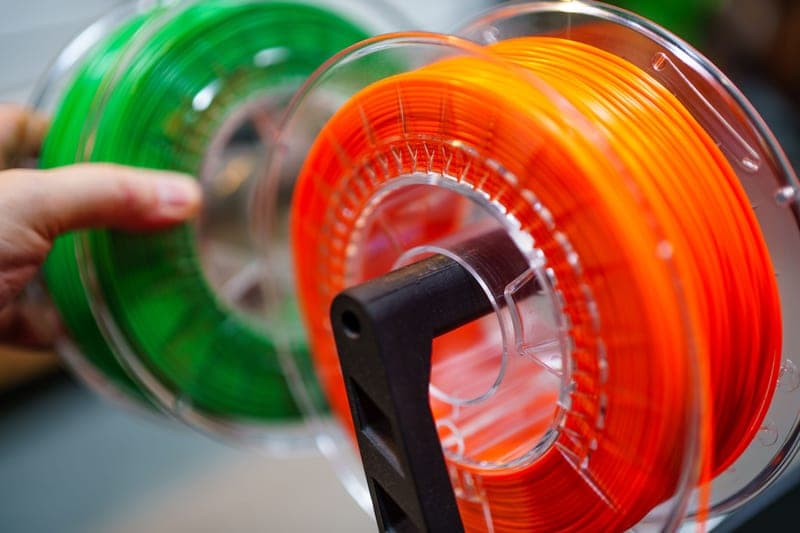
Stock photograph of this product class, not of this specific unit.
#ad We earn a commission · live price shown on Amazon
1. The one that stops you buying a printer
Bambu Lab AMS 2 Pro
Four colors and active drying on the machine you already own.
If you are modifying a P1S because something about it frustrates you, start here — it addresses the two most common frustrations at once. Four spools, sealed, active drying, humidity monitoring and RFID logging.
It needs vertical clearance above the printer, so measure before ordering if the machine lives on a shelf.
What it gets right
- Active drying means the spool you print from is the spool you dried — no transfer step, no re-absorption window
- Four colors on a machine you already own, for a fraction of a new printer
- RFID logging removes the single most common cause of a ruined multi-color print: the wrong material profile
What it does not
- Four-color printing wastes filament on every tool change; the purge tower is real and it is not small
- If you only print single-color PLA, you are buying a dryer with a filament changer attached
- Needs the space beside or above the printer that your shelf may not have
| Type | Four-spool automatic material system |
|---|---|
| Headline feature | Active filament drying |
| Inherits | Humidity monitoring and RFID logging from the original AMS |
Stock photograph of this product class, not of this specific unit.
#ad We earn a commission · live price shown on Amazon
2. The one that fixes the daily irritation
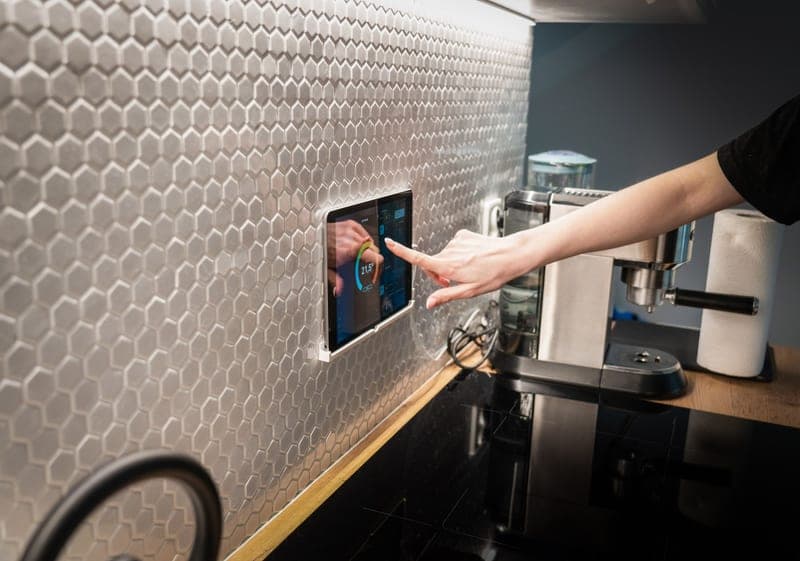
BIQU Panda Touch
A 5-inch screen in the existing cutout, on the printer's own USB power.
The single most-fitted third-party part on this machine, and for good reason: the P1S shipped without a screen, and this is the aftermarket answer at a fraction of a P2S.
Mounting bracket fits the P1P/P1S screen cutout, power comes from the printer's built-in USB port, and the vendor states installation does not void the warranty. One unit controls up to ten printers.
What it gets right
- This is the feature people buy a P2S for, at a fraction of a new printer
- Powered from the printer's own USB port, with a bracket that fits the P1P/P1S screen cutout
- Controlling up to 10 printers from one screen makes it the cheapest print-farm console there is
What it does not
- It is a control surface, not a capability — it changes nothing about print quality
- Third-party firmware sitting between you and the printer can lag behind a Bambu firmware update
- If you genuinely never wanted a screen, skip it; the app does the same job
| Screen | 5-inch touchscreen |
|---|---|
| Fits | Bambu Lab P1P and P1S; also interfaces with X1 and A1 series |
| Power | The printer's built-in USB port |
| Multi-printer | Controls up to 10 Bambu printers from one unit |
| Warranty | Vendor states installation does not void the printer warranty |
Stock photograph of this product class, not of this specific unit.
#ad We earn a commission · live price shown on Amazon
3. The other half of the P2S
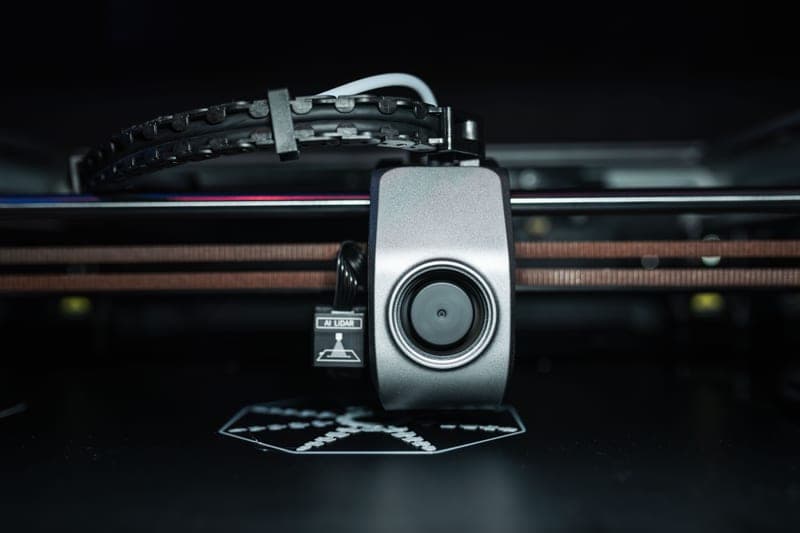
BIQU Panda Revo Hotend
Quick nozzle changes plus high flow, on a P1S, P1P or X1C.
Together with a screen, this covers both features the P2S added. The E3D Revo system changes nozzles by hand in seconds, which turns nozzle diameter into a per-print decision rather than a maintenance job.
Re-run flow calibration after fitting, and accept that you are now off the official hotend.
What it gets right
- Revo nozzles change by hand in seconds — this is the single feature people buy a P2S for
- High-flow geometry is a genuine throughput gain on large single-color prints
- Turns nozzle diameter into a per-print choice instead of a maintenance decision
What it does not
- You are now off the official hotend, so a Bambu support conversation gets harder
- Revo nozzles cost more per nozzle than Bambu's own
- Flow calibration has to be redone; do not expect your old profiles to be exactly right
| System | E3D Revo quick-change nozzle |
|---|---|
| Fits | Bambu Lab P1S, P1P and X1C |
| Positioning | High-flow, high-speed |
Stock photograph of this product class, not of this specific unit.
#ad We earn a commission · live price shown on Amazon
4. The one that changes print output
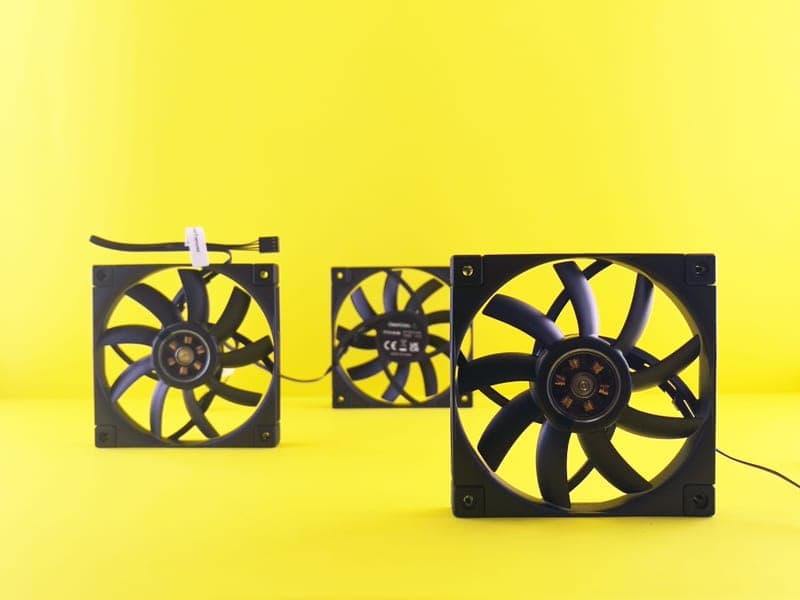
BIQU Panda Jet Cooling Fan Duct
Omni-directional airflow in MJF nylon, for overhangs the slicer cannot rescue.
One of the few cheap parts on this list that genuinely changes what comes off the plate. Directing air all the way around the nozzle is a geometry change, not a setting.
MJF nylon rather than printed PLA, which matters in a warm chamber. Fits Bambu X1/P1 hotends and the Panda Revo series.
What it gets right
- Directing air all the way around the nozzle is a real geometry fix for curling overhangs
- MJF nylon tolerates chamber heat far better than a printed PLA duct would
- Cheap, and it addresses a fault that slicer settings alone often cannot
What it does not
- More cooling on ABS and ASA causes layer splitting — this helps PLA and PETG, and can hurt the others
- Changing airflow invalidates your tuned profiles; re-test overhangs after fitting
- X1/P1 and Panda Revo fitment only
| Type | Omni-directional cooling duct |
|---|---|
| Material | MJF nylon |
| Fits | Bambu Lab X1/P1 hotends and the Panda Revo series |
| Targets | Nozzle-area airflow, bridges, overhangs |
Stock photograph of this product class, not of this specific unit.
#ad We earn a commission · live price shown on Amazon
5. The cheap cosmetic one
BIQU Panda Door PC Upgrade Panel
Polycarbonate replacing the acrylic panel that hazes fastest.
The P1S door is the first part of the machine to look tired. Polycarbonate tolerates chamber heat better than acrylic, so it stays clear longer.
Cheap, visible, honest. P1 and X1 series only.
What it gets right
- Polycarbonate tolerates chamber heat better than the acrylic it replaces, which matters if you run ABS
- Fixes the one cosmetic part of a P1S that gets ruined fastest
- A genuinely cheap upgrade with a visible result
What it does not
- This is a door, not a chamber heater — it changes nothing about what you can print
- Pure quality-of-life on a machine that already works
- P1 and X1 series only
| Material | Polycarbonate |
|---|---|
| Fits | Bambu Lab P1 and X1 series |
| Stated benefit | Improved visibility and enclosure protection |

Stock photograph of this product class, not of this specific unit.
#ad We earn a commission · live price shown on Amazon
6. The deep-teardown one
BIQU Panda Extruder CNC Hollow Housing
AI6061T6 aluminum housing, reducing toolhead inertia for high-speed printing.
Lower toolhead mass reduces ringing without reducing speed, which is a real effect on tall fast prints. Aerospace-grade AI6061T6 aluminum, for the Bambu P1 and X1 series.
Two honest caveats: the gain is invisible unless you actually print fast, and an extruder-housing swap is the most involved job in this whole catalog. Not a first mod.
What it gets right
- Lower toolhead mass is the one change that reduces ringing without reducing speed
- Aluminum housing is more durable than the plastic part it replaces
- Meaningful on tall, fast prints where acceleration is the limit
What it does not
- An extruder-housing swap is the deepest teardown on this list — not a first mod
- The gain is invisible unless you actually print fast; at conservative speeds, nothing changes
- P1 and X1 series only
| Material | AI6061T6 aerospace-grade aluminum |
|---|---|
| Fits | Bambu Lab P1 and X1 printers |
| Stated benefit | Reduced inertia for high-speed printing |
Questions people actually ask
What are the best P1S mods?
An AMS 2 Pro if you want more colors or your PETG strings, a third-party touchscreen if the app irritates you, a quick-change hotend if you want to use more than one nozzle diameter, and a cooling duct if your overhangs curl. Before any of them, spend an hour on maintenance - it costs nothing and does more.
Can I add a touchscreen to a P1S?
Yes. Third-party screens such as the Panda Touch fit the existing P1P/P1S screen cutout with a supplied bracket and power from the printer's own USB port, and the vendor states installation does not void the warranty. One unit can control up to ten Bambu printers.
Can I make the P1S chamber hotter?
Not meaningfully, and not safely. The chamber is passive - heated by the bed and retained by the panels. Taping vents traps heat around the electronics for a small gain, and an aftermarket chamber heater is not a sanctioned modification on a machine specified around a passive chamber.
Which P1S mods actually improve print quality?
A hardened hotend if you print filled filament, an AMS 2 Pro because dry filament prints better, a cooling duct for curling overhangs, and replacing worn extruder gears. Screens, cameras and door panels change the experience rather than the output.
Is the extruder housing swap worth doing?
Only if you print fast. Lower toolhead mass reduces ringing under high acceleration and changes nothing measurable at conservative speeds. It is also the deepest teardown in the catalog, so it is not a first modification.
Sources
Read this next
- The best Bambu Lab upgradesUpgrades ranked by the problem each one solves, with the popular ones that fix nothing clearly marked as such.
- Upgrading from a P1SThe two reasons to replace a P1S and the four cheaper parts that cover everything else, with the arithmetic laid out.
- Maintenance that actually mattersThe five maintenance jobs that change print quality, in priority order, plus the consumables worth stocking before you need them.
- BIQU Panda TouchWhat the Panda Touch adds to a P1P or P1S, the ten-printer capability nobody mentions, and the honest trade of third-party firmware.
- Bambu Lab P1SWhat the P1S already does well, the three things it genuinely cannot do, and which cheap part fixes each complaint instead of a new machine.
- Printed vs bought upgradesThe rule that decides printed versus bought, the PLA-in-a-warm-chamber trap, and which parts must never be printed.