Printers
Printers for a print farm or small business
At volume the decision changes completely. Uptime and consumable cost matter more than any single machine's capability.
By Michael W. · Published October 5, 2026
Some links here are Amazon affiliate links, so a purchase may earn this site a commission at no cost to you. It does not change what gets recommended or the order it appears in — how that works.
One big machine or several cheap ones?
Several cheap ones, usually. Three P1S machines beat one expensive printer for most production work, for three reasons:
- Throughput. Three machines printing is three machines printing.
- Failure isolation. One failure takes out a third of your capacity rather than all of it.
- Interchangeable parts. One set of spares covers the fleet.
One big machine only if your parts genuinely do not fit a 256 mm cube. Several small printers cannot print one large object, and that is the whole case for the H-series here.
What actually matters at volume
Uptime, not speed
A machine that prints 10% faster and fails twice a week produces less than a slower machine that does not fail. At volume, the metric is hours printing rather than speed while printing — which reorders every priority on this page.
That is why spares matter more than upgrades, and why the complete-hotend format is a genuine operational advantage. Spares worth stocking.
Consumable cost per part
Nozzles, plates and filament become line items rather than purchases. Two specifics:
- Nozzles wear fast on filled filament. Hardened steel is the baseline across the fleet, and carbide becomes a real argument if filled material is your default.
- Plates are consumables and a machine waiting for a clean plate is lost capacity. Multiple plates per machine, not per fleet.
Fleet control
Managing machines individually is fine at two and becomes the thing consuming your day at five. Either a multi-printer console or enterprise networking is where that gets solved, and the console route is dramatically cheaper.
Filament handling
Volume means filament throughput, and damp filament causes failures that cost whole prints. A four-spool dryer plus sealed storage is production equipment rather than a hobby accessory at this scale. Dryers by capacity.
Several small or one large, by what you make
| What you print | Buy | Why |
|---|---|---|
| Many small parts | Several P1S machines | Throughput and failure isolation |
| One large part repeatedly | One or two H-series | Nothing small prints a large object |
| Mixed small and occasional large | A fleet of small plus one large | Right tool per job |
| Abrasive filament as default | Fewer machines, carbide nozzles | Consumable cost dominates |
| Multi-color production | Fleet plus AMS units per machine | Purge waste scales — plan for it |
| PLA prototypes at speed | Open-frame A-series | Cheapest per machine; cools well; no chamber needed |
The costs that surprise people at volume
Purge waste on multi-color. Every color change purges the nozzle, and at production volume that filament is a real cost. If a product can be printed single-color and painted or assembled, the arithmetic may favor that.
Power and heat. Several enclosed machines in one room is a meaningful heat load, and a hot room makes every machine's cooling less effective.
Noise. One printer is noticeable; five is a workshop. Surface and damping matter more at scale, not less. Noise reduction.
Your time. The largest hidden cost. Machines that need attention per print do not scale, which is why reliability and fleet control outrank capability here.
Where to go next
H2D vs H2D Pro if you are weighing the enterprise machine. Spares and maintenance, which matter more at volume than any upgrade. And the printer roundup for per-machine detail.
What to buy

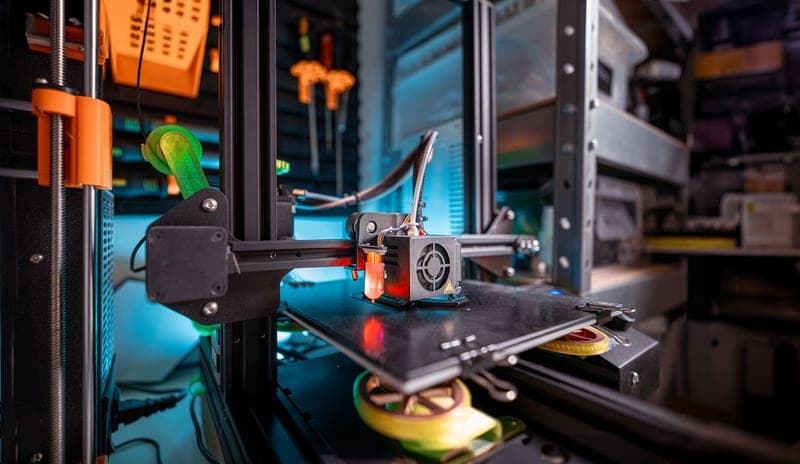
Stock photograph of this product class, not of this specific unit.
#ad We earn a commission · live price shown on Amazon
1. Best farm unit
Bambu Lab P1S
Cheap, enclosed, reliable, with the deepest spares and accessory catalog in the range.
For a farm, the P1S is the sensible unit and the reasoning is not about capability. Three machines printing is more throughput than one expensive machine printing faster, a failure takes out a third of your capacity rather than all of it, and parts are interchangeable across the fleet.
It is also the best-supported machine in the range for spares and third-party parts, which is what matters when uptime is the metric.
What it gets right
- The enclosure plus auxiliary fan is what makes ABS and ASA realistic rather than aspirational
- Still the best-supported machine in the range for third-party upgrades — screens, hotends, plates, ducts
- Fast enough that the P2S's speed gain is not the reason to replace it
What it does not
- No touchscreen as shipped, which is why the Panda Touch exists
- No quick-swap nozzle: a nozzle change is a hotend job, not a 30-second one
- Passive chamber only — it holds heat, it does not make heat
| Released | July 13, 2023 |
|---|---|
| Type | Enclosed CoreXY |
| Over the P1P | Enclosure, auxiliary cooling fan and air filter |
| Multi-color | AMS and AMS 2 Pro (4 spools, expandable) |
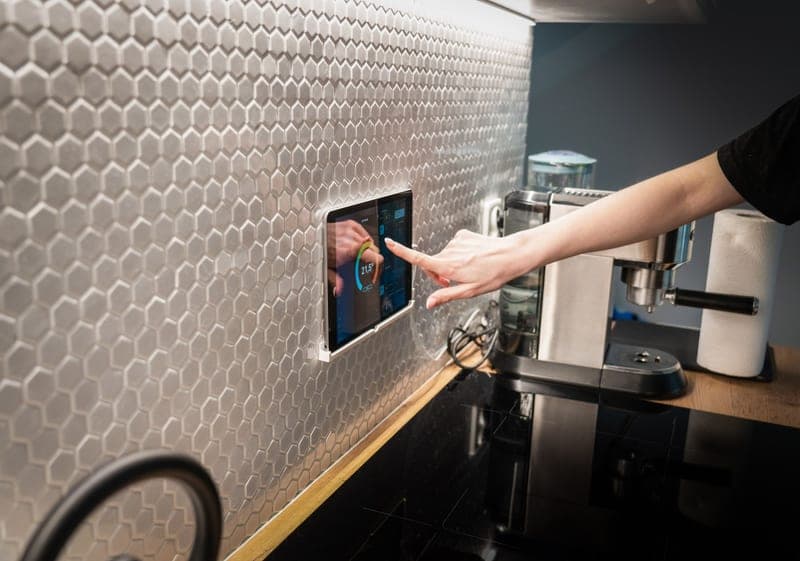
Stock photograph of this product class, not of this specific unit.
#ad We earn a commission · live price shown on Amazon
2. Best fleet-control part
BIQU Panda Touch
One unit controls up to ten Bambu printers, including group printing.
The capability that rarely gets mentioned: one Panda Touch supports group printing and control for up to ten Bambu printers. That makes it the cheapest print-farm console available by a wide margin.
Powered from the printer's own USB port, with a bracket for the P1P/P1S screen cutout, and the vendor states installation does not void the warranty.
What it gets right
- This is the feature people buy a P2S for, at a fraction of a new printer
- Powered from the printer's own USB port, with a bracket that fits the P1P/P1S screen cutout
- Controlling up to 10 printers from one screen makes it the cheapest print-farm console there is
What it does not
- It is a control surface, not a capability — it changes nothing about print quality
- Third-party firmware sitting between you and the printer can lag behind a Bambu firmware update
- If you genuinely never wanted a screen, skip it; the app does the same job
| Screen | 5-inch touchscreen |
|---|---|
| Fits | Bambu Lab P1P and P1S; also interfaces with X1 and A1 series |
| Power | The printer's built-in USB port |
| Multi-printer | Controls up to 10 Bambu printers from one unit |
| Warranty | Vendor states installation does not void the printer warranty |
Stock photograph of this product class, not of this specific unit.
#ad We earn a commission · live price shown on Amazon
3. Best single enterprise machine
Bambu Lab H2D Pro
Enterprise networking plus a tungsten carbide nozzle at HRA 90 - both are volume arguments.
Where the Pro premium makes sense: a shop running abrasive filament as its default material and managing several machines. Carbide at HRA 90 against hardened steel's HRA 74 changes nozzle replacement intervals outright, and enterprise networking stops being a bullet point past about three machines.
Print hardware is reported the same as the H2D, so this is a running-cost and administration purchase rather than a quality one.
What it gets right
- A tungsten carbide nozzle at HRA 90 against hardened steel's HRA 74 changes abrasive-filament maintenance intervals outright
- Enterprise networking matters the moment you are running more than two machines
- Same reported print hardware as the H2D, so nothing is traded away for the Pro badge
What it does not
- For a single hobby machine the Pro premium buys features you will never configure
- Carbide nozzles are harder but more brittle than steel — a crash is more expensive
- Overkill unless abrasive filament is most of what you print
| Released | August 11, 2025 |
|---|---|
| Positioning | Enterprise |
| Nozzle | Tungsten carbide (HRA 90, against HRA 74 for hardened steel) |
| Print hardware | Reported same as H2D, plus enterprise networking |
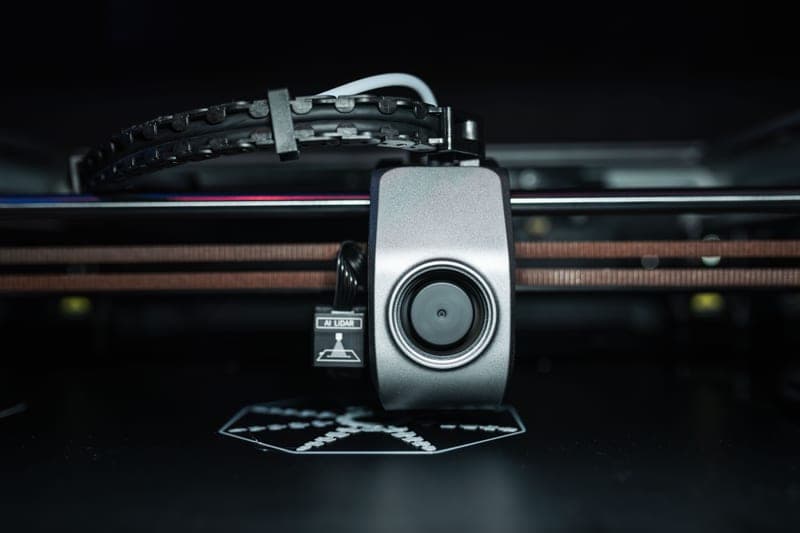
Stock photograph of this product class, not of this specific unit.
#ad We earn a commission · live price shown on Amazon
4. The consumable that defines your running cost
Bambu Lab Hotend with Hardened Steel Nozzle, 0.4 mm
At volume, nozzle wear is a line item - and hardened steel is the baseline, not the upgrade.
At volume, consumables dominate. If any filled filament is in your mix, hardened nozzles across the fleet is the baseline and keeping spares is not optional — a machine waiting for a nozzle is lost capacity.
The complete-assembly format helps here: a spare hotend turns a clog into a module swap, which matters far more when you have several machines and limited time.
What it gets right
- Abrasive filament rounds a stainless nozzle fast — with the worst materials, a single print can do it
- Comes as a complete assembly, so the swap is a module change rather than a nozzle extraction
- 0.4 mm keeps your existing print profiles valid
What it does not
- Hardened steel conducts heat slightly worse than stainless, so very high-flow PLA needs a small temperature bump
- Pointless if you only ever print plain PLA and PETG — stainless lasts for years on those
- P1P and P1S only; the A-series and H-series need their own part
| Nozzle | Hardened steel, 0.4 mm |
|---|---|
| Fits | P1P and P1S (model FAH001-N-1) |
| Hardness reference | Hardened steel is cited at HRA 74 |
| Supplied as | Complete hotend assembly |
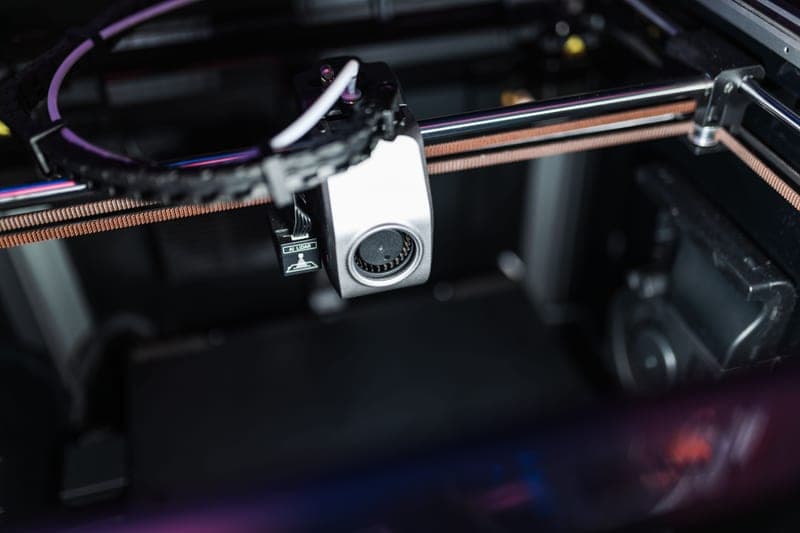
Stock photograph of this product class, not of this specific unit.
#ad We earn a commission · live price shown on Amazon
5. Best drying at volume
SUNLU FilaDryer S4
Four spools at once, cited as best for multi-color and multiple printers.
A farm consumes filament faster than a single-spool dryer can cycle it, and damp filament causes failures that cost whole prints. Four spools at once is the capacity that matches multiple machines.
Cited as best for multi-color and multiple printers. Pair it with sealed storage so dried spools stay dry between jobs.
What it gets right
- Four spools at once is the only capacity that matches a four-color workflow
- Dries the whole set you are about to print with, rather than one spool at a time while three re-absorb
- Cheaper per spool than any single-spool dryer
What it does not
- It is a big box; four-spool dryers need shelf space you may not have next to the printer
- Standard-temperature drying is not enough for nylon or PC — that needs a high-temp unit
- Four spools heat more slowly than one, so cycles are long
| Capacity | Four spools |
|---|---|
| Positioning (cited) | Best for multi-color and multiple printers |
Questions people actually ask
Is it better to buy one big printer or several small ones for a print farm?
Several small ones, usually. Three P1S machines give you more throughput than one expensive printer, a failure takes out a third of capacity rather than all of it, and one set of spares covers the fleet. Buy a large machine only if your parts genuinely do not fit a 256 mm cube.
What is the best Bambu Lab printer for a small business?
The P1S as a fleet unit - cheap, enclosed, reliable, with the deepest spares and accessory catalog in the range. If you need enterprise networking and run abrasive filament constantly, the H2D Pro's tungsten carbide nozzle and fleet features become a running-cost argument.
How do I control multiple Bambu printers?
The cheapest route is a multi-printer console - one Panda Touch supports group printing and control for up to ten Bambu printers. Enterprise networking on the H2D Pro is the other route, and it only earns its place once you are managing more than two or three machines.
What matters most when running printers at volume?
Uptime rather than speed. A machine that prints 10% faster and fails twice a week produces less than a slower machine that does not fail. That reorders the priorities: spares, consumables and fleet control matter more than any single machine's capability.
Does multi-color printing scale for production?
It works and the purge waste scales with it - every color change purges the nozzle, and at volume that filament is a real line item. If a product can be printed single-color and painted or assembled afterwards, the arithmetic often favors that instead.
Sources
- Bambu Lab model list, release dates and descriptions - Wikipedia
- Reported build volumes, chamber temperatures and nozzle hardness - third-party lineup roundups captured October 2026
- BIQU Panda Touch - fitment, USB power and 10-printer support - BIQU product page
- Bambu Lab hardened steel nozzle and hotend upgrade - Bambu Lab wiki
Read this next
- Bambu Lab H2D vs H2D ProThe Pro's tungsten carbide nozzle at HRA 90 and enterprise networking are a running-cost argument. For one hobby machine, buy the H2D.
- Bambu Lab H2D ProWhat a tungsten carbide nozzle at HRA 90 changes about abrasive-filament maintenance, and why the Pro is the wrong buy for one machine.
- Spare parts worth having before you need themWhich spares to stock before a failure and which to order after, judged by how long the machine sits idle waiting.
- Maintenance that actually mattersThe five maintenance jobs that change print quality, in priority order, plus the consumables worth stocking before you need them.
- BIQU Panda TouchWhat the Panda Touch adds to a P1P or P1S, the ten-printer capability nobody mentions, and the honest trade of third-party firmware.
- The best filament dryers in 2026Dryer picks split by temperature range and capacity, because a 70 C unit and a 110 C unit are different products for different materials.