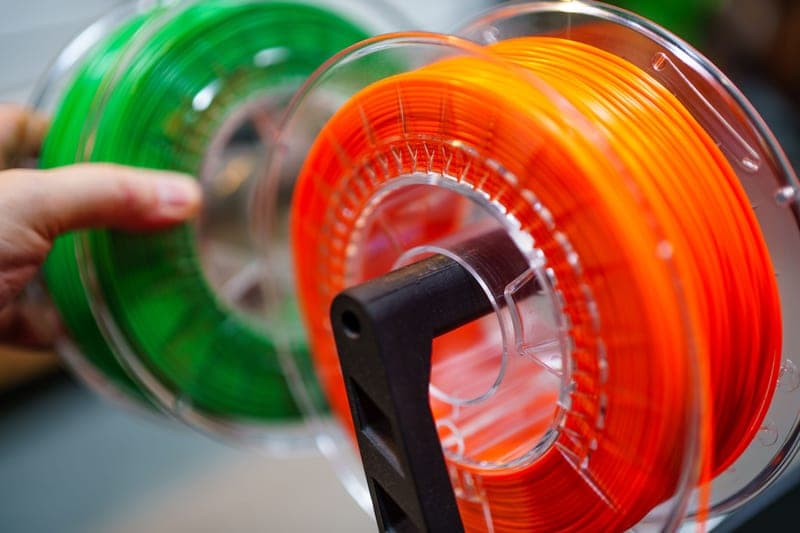
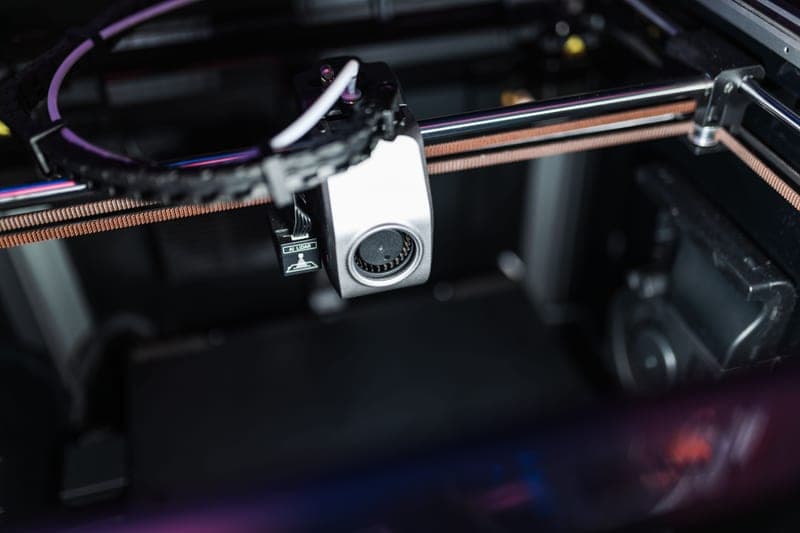
The AMS is the best-value upgrade Bambu sells and the most misunderstood. Here is what each version does, which one fits your printer, and when a dryer is the better buy.
An AMS does two jobs that look like one: it changes filament automatically, and it keeps filament in a controlled environment. People buy it for the first and end up valuing it for the second. If your PETG has started stringing and your TPU has gone brittle, a sealed four-spool unit fixes more prints than four colors ever will.
That distinction decides which one you should buy, so start there rather than with the price list.
Four units, and only some of them fit your printer
This is where most of the confusion lives, and it is simple once stated plainly. The original AMS and the AMS 2 Pro fit the enclosed P-series and X-series machines. The AMS Lite fits the A1 and A1 mini and nothing else. The AMS HT is a single-spool unit that sits outside the others entirely.
AMS — four spools, sealed, with humidity monitoring and RFID logging. It tells you the filament is wet. It does not do anything about it.
AMS 2 Pro — the same four spools plus active drying. This is the one worth the money, because drying and printing happen in the same box.
AMS Lite — four spools, open air, for the A-series. Excellent at color changes, zero moisture protection.
AMS HT — one spool, high-temperature active drying. For nylon and polycarbonate, not for color.
If you own a P1S or X1C and you are choosing between the AMS and the AMS 2 Pro, buy the 2 Pro. The original monitors a problem the 2 Pro solves, and the difference in price is less than the filament you will throw away learning that the hard way.
What active drying actually changes
A standalone dryer and an AMS 2 Pro both remove moisture. The difference is the gap in between. Dry a spool in a separate box, take it out, mount it, start a twelve-hour print, and it has been reabsorbing moisture from the room for all twelve of those hours. Nylon can undo a full drying cycle in a day in a humid room. Drying inside the unit you print from closes that window, and that is the whole argument.
It is also why AMS HT versus a dryer is a genuine decision rather than an obvious one: if you only print engineering filament occasionally, a high-temperature dryer covers more spools for less money. If it is most of what you print, printing straight from a heated unit is worth the premium.
The costs nobody mentions in the product photos
Multi-color printing wastes filament on every tool change, and the waste is not trivial. Every color swap purges the old material out of the nozzle, which is where the purge tower comes from. A four-color print can spend a meaningful fraction of its filament on the tower rather than the model. You get better at reducing it — fewer color changes per layer, sensible color ordering — but you never get rid of it.
The second cost is space. An AMS sits on top of or beside the printer, and an A1 with an AMS Lite takes over a desk. That is a real problem with a real fix: see racks and stands.
When it goes wrong, it is almost always the same three things
Filament not feeding is the most-searched AMS problem by a wide margin, and the cause is nearly always a brittle end snapped inside the path, a PTFE tube that has worked loose, or a spool wound badly enough to bind. All three are fixable in minutes once you know which one you have, which is what the feeding guide is for. A worn extruder gear set is the fourth cause and the one people replace the whole unit over.
TPU is its own category of trouble. Soft filament and a long filament path do not get along, and the honest answer for most owners is to feed TPU directly rather than through the AMS — what works and what does not.
Where to start
If you are buying, the AMS accessories roundup covers the units and the parts worth having alongside them. If you are troubleshooting, start at filament not feeding. If you are deciding between units, 2 Pro vs Lite settles it in a page, mostly by telling you which printer you own.
How to tell a reseat from a replacement, how collet release buttons work, and why part numbers matter more than brand here.
Questions people actually ask
Will an AMS fit my A1 or A1 mini?
No. The A1 and A1 mini use the AMS Lite, which is a different, open-air unit. The sealed four-spool AMS and AMS 2 Pro are for the enclosed P-series and X-series machines. Check the unit against your exact model before ordering - this is the most common wrong purchase in the category.
Is the AMS 2 Pro worth it over the original AMS?
Yes, if you print anything other than PLA. The original AMS monitors humidity and tells you the filament is damp; the 2 Pro actively dries it. Since the spool you dry is the spool you print from, there is no window where a dried spool sits reabsorbing moisture. If you only ever print PLA in a dry room, the original is enough.
Can I print multiple colors without an AMS?
Yes, for a limited number of colors. Pausing at a set layer and swapping filament by hand gives you a multi-tone print with no purge waste at all, which is better than an AMS for a simple two-color job. It needs you present at each swap, so it does not scale to a model with changes on every layer.
Why does my AMS keep failing to load filament?
In order of likelihood: the filament end has snapped off inside the path because the spool was dry and brittle, a PTFE tube has worked loose at a connector, or the spool is wound badly and binding against its own flange. A worn extruder gear set is the fourth cause and feels like under-extrusion rather than a load failure.
Can the AMS handle TPU?
Not reliably through the standard path. Soft filament and a long guided path fight each other, and the usual symptom is the filament buckling rather than feeding. Most owners feed TPU directly into the extruder instead. The AMS HT is the unit designed around harder-to-handle materials; check its stated material support for your specific filament.