Printers
Which Bambu Lab printer is the fastest
Nobody we could fetch publishes a comparable speed figure for these machines. What is measurable is that bore size and flow rate change print time more than the badge does.
By Michael W. · Published October 6, 2026
Some links here are Amazon affiliate links, so a purchase may earn this site a commission at no cost to you. It does not change what gets recommended or the order it appears in — how that works.
Quick picks
Tap any row to jump to the full write-up. Prices and stock live on Amazon, never here.
| # | Product | Best for | Price |
|---|---|---|---|
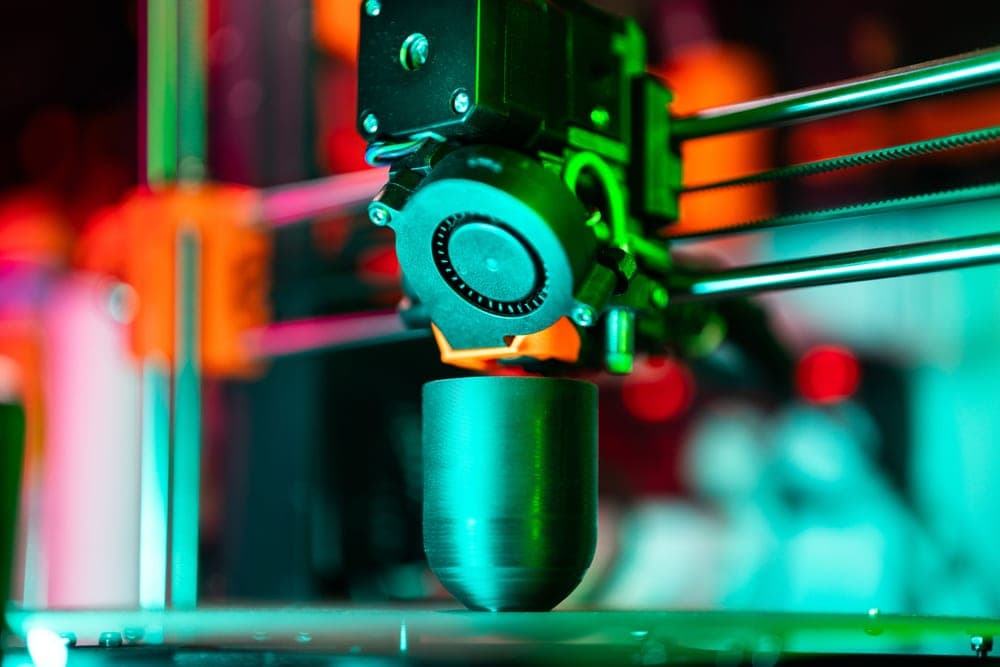
| 1 | 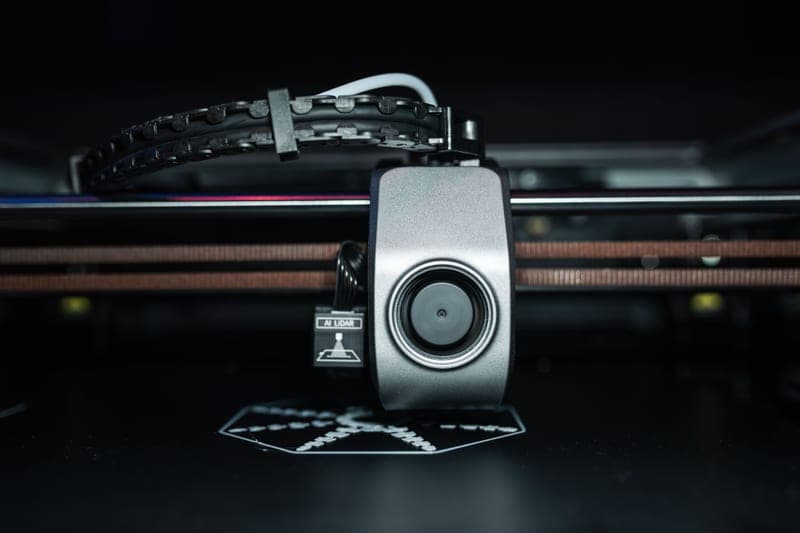 Bambu Lab Hotend with Hardened Steel Nozzle, 0.6 mm A wider bore lays down more material per pass, which shortens prints more reliably than any model change. | Biggest real throughput gain Carbon-fiber filament that clogs a 0.4 mm nozzle on chopped fiber | Check price on Amazon #ad We earn a commission · live price shown on Amazon |
| 2 | BIQU Panda Revo Hotend High-flow geometry plus quick-change nozzles, so you can run a fast bore for bulk and swap back for detail. | Best if you want speed without giving up detail Getting quick nozzle changes on a P1S without buying a P2S | Check price on Amazon #ad We earn a commission · live price shown on Amazon |
| 3 | 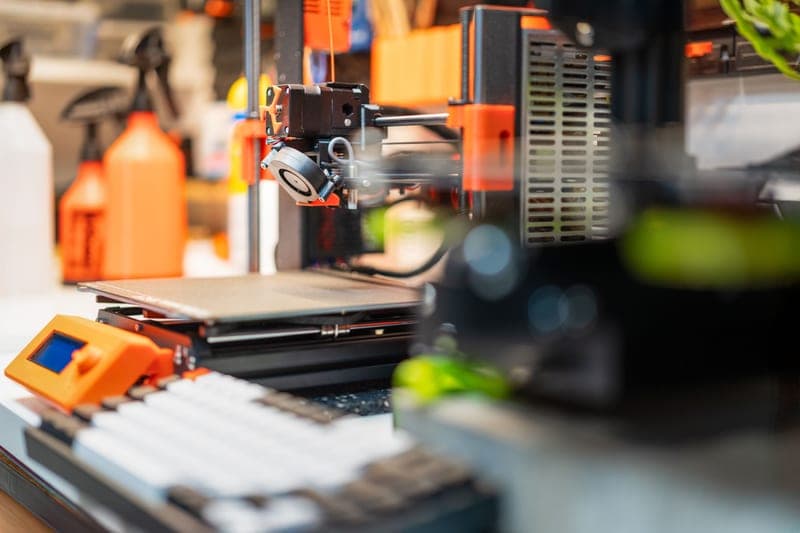 Bambu Lab X2D Improvements to air filtration, thermal management and speed are what it is positioned on - with no comparable figure to check it against. | The only model whose published positioning cites speed Dual-nozzle printing at the smaller build volume, if you want two materials more than you want a big bed | Check price on Amazon #ad We earn a commission · live price shown on Amazon |
| 4 | 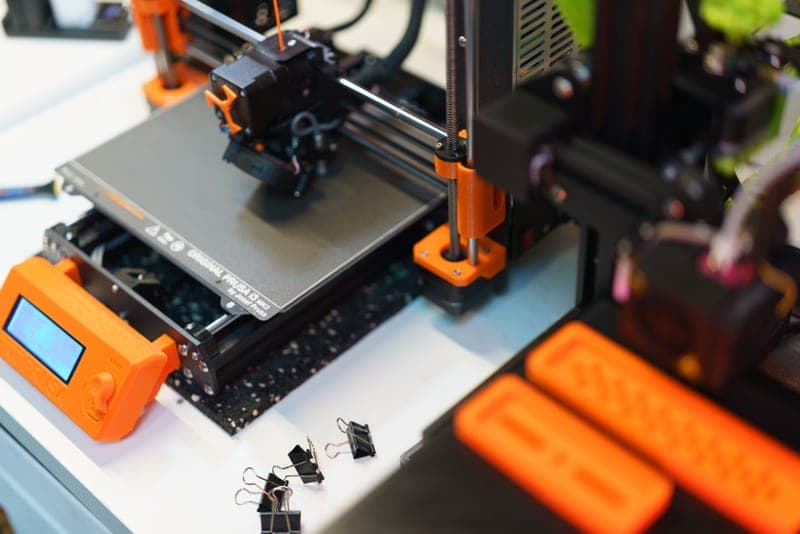 Bambu Lab A1 If the real complaint is a queue rather than a print, two machines beat one faster machine. | Fastest answer to a throughput problem The owner who wants a bigger bed and four colors without paying for an enclosure they would not use | Check price on Amazon #ad We earn a commission · live price shown on Amazon |
The short answer
There is no honest ranking of Bambu Lab printers by speed, because no source we were able to fetch publishes comparable speed figures across the lineup, and bambulab.com returns HTTP 403 to our requests. Anyone giving you a league table of millimeters per second across these machines is quoting numbers they cannot support either.
What is attributable: the X2D is the one current model whose published positioning cites speed improvements, alongside air filtration and thermal management. That is a real claim with no magnitude attached to it.
What actually shortens a print on the machine you own: a larger nozzle bore (0.6 mm instead of 0.4 mm), a high-flow hotend, and — if the problem is a queue rather than a print — a second printer. All three are cheaper than a flagship.
Why we will not publish a speed table
It would be the most clickable table on this site and we do not have the data for it. The reasons, stated plainly:
- There is no test lab behind this site. No measurement rig, no timing data, no benchmark prints. How we review says so, and a speed table would be the clearest possible violation of it.
- bambulab.com is unfetchable for us. It returns HTTP 403, so no official maximum speed or acceleration figure is quotable here for any model.
- Headline speed figures are not comparable anyway. A maximum acceleration number is a capability under ideal conditions, not a print time. Two machines with the same headline figure can finish the same job minutes apart depending on cooling, flow limits and how conservative the stock profile is.
The one thing that is safe to say about the lineup as a whole: every machine from the P1S onwards is fast enough that speed stopped being the differentiator two generations ago. The P1S was already fast, and the P2S added a touchscreen and a quick-swap nozzle rather than speed — see P1S vs P2S.
What actually determines how long a print takes
| Variable | How much it matters | Can you change it? |
|---|---|---|
| Nozzle diameter | Large - more material per pass | Yes, on any machine |
| Hotend flow rate | Large on big single-color prints | Yes, with a high-flow hotend |
| Layer height | Large - fewer layers for the same height | Yes, in the slicer, free |
| Part cooling limits | Moderate - fast PLA needs airflow to keep up | Yes, with duct and fan changes |
| Model orientation and support | Moderate, and often overlooked | Yes, in the slicer, free |
| Printer model | Smaller than the above, across the current lineup | Only by buying one |
The ordering is the point. The two free changes — layer height and orientation — are above printer choice. A 0.28 mm layer height on a functional part finishes dramatically sooner than 0.16 mm and nobody will be able to tell on a bracket.
The nozzle argument in full
Why a bigger bore beats a faster machine
A print is a volume of plastic divided by a flow rate. A wider nozzle lays a wider, taller extrusion per pass, so the same volume needs fewer passes. That is an arithmetic gain rather than a tuning one, and it applies identically on a P1S and an H2D.
The practical trade is appearance. A 0.6 mm nozzle gives visible layer lines and softer corners. For brackets, jigs, organizers, enclosures, prop shells that get sanded and anything functional, that is irrelevant. For a display model it is not.
Why high-flow is a separate thing
Bore size sets how much material fits through the hole. Flow rate sets how fast the hotend can melt it to get there. On a large single-color print the hotend is often the limit, and that is the specific gap a high-flow hotend closes.
What you give up
Re-slicing everything, re-running flow calibration, and in the third-party case stepping off official hardware. None of those is a reason not to do it; all of them are reasons to do it deliberately rather than impulsively. The nozzle roundup has the options, and the carbon-fiber nozzle page covers the case where a bigger bore is mandatory rather than optional.
When buying a machine genuinely is the throughput answer
One case, and it is not about speed. If your bottleneck is that one machine cannot run two jobs at once — a long print blocking a short one, a queue that never clears — then a second printer is the fix and a faster single printer is not. Two machines printing is more useful than one machine printing slightly faster, and the second machine does not need to be expensive.
That logic scales: printers for a print farm is the page where it becomes the whole argument, including the multi-printer console that makes managing several machines practical.
What I have and have not run
I own and use Bambu hardware and the judgments here about nozzle diameter and flow come from that ownership rather than from instrumentation. I have not run an X2D — released April 2026, and what is written about it is published positioning labeled as such. No figure on this page is a timing measurement, because no timing measurement exists here to report.
Every pick in full
Stock photograph of this product class, not of this specific unit.
#ad We earn a commission · live price shown on Amazon
1. Biggest real throughput gain
Bambu Lab Hotend with Hardened Steel Nozzle, 0.6 mm
A wider bore lays down more material per pass, which shortens prints more reliably than any model change.
This is the honest answer to the question. Print time is dominated by how much material you can lay down per unit of nozzle travel, and bore diameter changes that directly. Going from 0.4 mm to 0.6 mm on a functional part is noticeably faster, and it is a change you can make this week on the machine you own.
The hardened steel is a second benefit rather than the point here, but it is not nothing: abrasive filament rounds a stainless nozzle fast, and a rounded nozzle degrades extrusion width, which costs you both quality and the speed you bought.
Two costs, both real. Every profile has to be re-sliced — a 0.6 mm nozzle is not a drop-in for 0.4 mm settings. And layer lines are visible and detail is softer, so this is for functional parts and bulk shells rather than display pieces. Fits the P1P and P1S; the nozzle size page covers the other machines.
What it gets right
- The larger bore is the real fix for carbon-fiber clogging, not just a faster nozzle
- Hardened steel plus 0.6 mm is the combination for chopped-fiber filament
- Noticeably faster on functional parts where layer lines do not matter
What it does not
- Every profile has to be re-sliced; a 0.6 mm nozzle is not a drop-in for 0.4 mm settings
- Visible layer lines and softer detail on anything decorative
- You will end up wanting both sizes, which is the argument for a quick-swap machine
| Nozzle | Hardened steel, 0.6 mm |
|---|---|
| Fits | P1P and P1S |
| Supplied as | Complete hotend assembly |
Stock photograph of this product class, not of this specific unit.
#ad We earn a commission · live price shown on Amazon
2. Best if you want speed without giving up detail
BIQU Panda Revo Hotend
High-flow geometry plus quick-change nozzles, so you can run a fast bore for bulk and swap back for detail.
The reason most people never get the speed benefit of a larger nozzle is that they are not willing to live with it on every print. Quick-change solves that: a Revo nozzle swaps by hand in seconds, so a fast bore for the bulk job and a fine one for the detail job are both available.
The high-flow geometry is a separate gain on top of bore size, and it shows on large single-color prints where the limit is how fast the hotend can melt plastic rather than how fast the gantry can move. It fits the P1S, P1P and X1C.
You are off the official hotend, which makes a support conversation harder, Revo nozzles cost more each than Bambu's own, and flow calibration has to be redone — do not expect your old profiles to be exactly right.
What it gets right
- Revo nozzles change by hand in seconds — this is the single feature people buy a P2S for
- High-flow geometry is a genuine throughput gain on large single-color prints
- Turns nozzle diameter into a per-print choice instead of a maintenance decision
What it does not
- You are now off the official hotend, so a Bambu support conversation gets harder
- Revo nozzles cost more per nozzle than Bambu's own
- Flow calibration has to be redone; do not expect your old profiles to be exactly right
| System | E3D Revo quick-change nozzle |
|---|---|
| Fits | Bambu Lab P1S, P1P and X1C |
| Positioning | High-flow, high-speed |
Stock photograph of this product class, not of this specific unit.
#ad We earn a commission · live price shown on Amazon
3. The only model whose published positioning cites speed
Bambu Lab X2D
Improvements to air filtration, thermal management and speed are what it is positioned on - with no comparable figure to check it against.
If the question is which current model is positioned as the fastest, this is it: the X2D is described as improving air filtration, thermal management and speed over what came before. That is the closest thing to an answer that exists in attributable form.
What makes it a weak basis for a purchase is that no fetched source gives a comparable speed figure for it against a P1S, so "faster" has no magnitude attached. It is a real claim and an unquantified one.
The reasons to actually buy it are different: a reported 65 C actively heated chamber and a dual nozzle, at a reported 256 mm cube. Released April 2026 and we have not run one. If materials rather than speed are your driver, see the best printer for ASA.
What it gets right
- Dual nozzle without stepping up to the H2 footprint — two materials on a desk-sized machine
- A reported 65 C heated chamber is a real capability jump over any passive P-series enclosure
- Newest filtration and thermal hardware in the smaller form factor
What it does not
- Released April 2026, so third-party part support is thin compared with the P1S
- Same reported 256 mm build volume as a P1S — this is a capability upgrade, not a size one
- I have not run one. What follows anywhere on this site about the X2D is specification and reasoning, not observation
| Released | April 14, 2026 |
|---|---|
| Type | Enclosed CoreXY, dual nozzle |
| Improvements cited | Air filtration, thermal management and speed |
| Build volume (reported) | 256 mm cube |
| Chamber (reported) | Heated to 65 C |
Stock photograph of this product class, not of this specific unit.
#ad We earn a commission · live price shown on Amazon
4. Fastest answer to a throughput problem
Bambu Lab A1
If the real complaint is a queue rather than a print, two machines beat one faster machine.
Worth separating two different problems that both get described as speed. A slow print is one thing. A queue of prints where a long job blocks a short one is another, and a faster printer barely helps with the second.
Two machines printing at once is a throughput gain no single-machine upgrade can match. The A1 is the sensible second machine: open-frame so it cools fast PLA well, AMS Lite compatible for color work, and a two-tower gantry that is more rigid than single-upright bed slingers.
The limit is the open frame — PLA and PETG only in practice, with ABS and ASA staying on the enclosed machine. An aftermarket enclosure narrows that gap without closing it.
What it gets right
- Larger build area than the A1 mini for very little extra money or desk space
- The two-tower gantry is noticeably more rigid than a single-upright bed slinger
- AMS Lite in the combo makes four-color PLA and PETG genuinely practical
What it does not
- Still open-frame — this is the single thing that will eventually make you upgrade
- Bed slinger kinematics mean it will never match a CoreXY machine on tall, fast prints
- No active chamber heating, so ABS and ASA warp without an aftermarket enclosure
| Released | December 14, 2023 |
|---|---|
| Type | Open-frame bed slinger, two-tower gantry |
| Multi-color | AMS Lite (4 spools, open air) |
Questions people actually ask
Which Bambu Lab printer is the fastest?
There is no honest answer, because no source we could fetch publishes comparable speed figures across the lineup and bambulab.com returns HTTP 403 to our requests. The X2D is the one current model whose published positioning cites speed improvements, but with no magnitude attached. Every machine from the P1S onwards is fast enough that speed stopped being the differentiator.
How can I make my Bambu Lab printer print faster?
In order of effect: raise layer height (free, in the slicer), fit a 0.6 mm nozzle instead of 0.4 mm, fit a high-flow hotend, and reconsider model orientation and supports. Printer choice is below all of those across the current lineup, which is why buying a new machine for speed is usually the most expensive route to the smallest gain.
Is the P2S faster than the P1S?
Not meaningfully. The P2S adds a touchscreen and a quick-swap nozzle over the P1S, and the P1S was already fast. If either of those two irritations has been bothering you the P2S is a clean answer, but it is a workflow purchase rather than a speed one.
Does a 0.6 mm nozzle really print faster?
Yes, and it is arithmetic rather than tuning. A wider bore lays down a wider, taller extrusion per pass, so the same volume of plastic needs fewer passes. The trade is visible layer lines and softer detail, which is irrelevant on functional parts and obvious on display models. Every profile has to be re-sliced for the new diameter.
Should I buy a faster printer or a second printer?
A second printer, if your bottleneck is a queue rather than an individual print. Two machines printing at once is a throughput gain no single-machine upgrade matches, and the second machine does not need to be expensive - an open-frame A1 alongside an enclosed machine covers both material classes.
Sources
- Bambu Lab model list, release dates and model descriptions - Wikipedia
- Reported build volumes and chamber temperatures - third-party lineup roundups captured October 2026 (3dprinting.com, precwise.com, innoaddi.com)
Read this next
- The best Bambu Lab printer to step up to in 2026One pick per upgrade situation, from the P1S owner who should keep their machine to the owner who genuinely needs the H2 build volume.
- Bambu Lab P1S vs P2SThe P2S adds a touchscreen and a quick-swap nozzle and no build volume. When that is worth a new machine and when a far cheaper part does the same job.
- Printers for a print farm or small businessOne big machine or several cheap ones, what actually matters at volume, and the fleet-control part nobody mentions.
- Bambu Lab nozzle sizes explainedWhat 0.2, 0.4, 0.6 and 0.8 mm nozzles are each for, what changing costs in re-slicing, and why friction stops most people switching.
- The best nozzle for carbon fiber filamentHardened steel at 0.6 mm is the answer for carbon-filled filament - and the reason your 0.4 mm nozzle keeps clogging is not wear.
- The best nozzles and hotends for a Bambu LabHardened steel, quick-change or a second diameter - which nozzle upgrade matches your filament and your machine, with who each is wrong for.