Printers
Bambu Lab P2S vs H2S
These are not two versions of the same machine. One fixes a workflow, the other fixes a size limit, and only one of those is a problem you can have.
By Michael W. · Published October 6, 2026
Some links here are Amazon affiliate links, so a purchase may earn this site a commission at no cost to you. It does not change what gets recommended or the order it appears in — how that works.
The short answer
Buy the H2S if you have split a model because of bed size in the last six months. Its reported 325 x 320 x 325 mm build volume is the only thing on this page that no later upgrade can add to the other machine.
Buy the P2S if your parts fit a 256 mm cube. It costs less, takes less shelf, heats faster, and its touchscreen and quick-swap nozzle are the two ergonomics fixes P1S owners actually ask for. You are not giving up print quality to choose it.
These are not competing versions of one machine. The question is not which is better — it is whether you have a size problem.
Side by side, on figures we can attribute
| P2S | H2S | |
|---|---|---|
| Released | October 9, 2025 | August 26, 2025 |
| Type | Enclosed CoreXY, P1S successor | Large-format enclosed, single nozzle |
| Build volume (reported) | 256 mm cube | 325 x 320 x 325 mm |
| Nozzles | One, quick-swap | One |
| Screen | Touchscreen on the machine | Touchscreen on the machine |
| Multi-color | AMS / AMS 2 Pro | AMS / AMS 2 Pro |
| Dual-material parts | No | No - that is the H2D |
Note what is the same. Both are enclosed, both take an AMS, both have a screen, both are single-nozzle. The differences that matter are build volume and price, and everything else on a comparison page for these two machines is noise.
The one question that decides it
In the last six months, how many times did you split a model because it would not fit on the bed?
- Zero: the P2S. You have no size problem, so the H2S premium buys you nothing you will use, plus a larger machine and slower bed heat-up.
- Once or twice: the P2S, and split those two parts. One extra glue joint a quarter is not worth the difference.
- Three or more, or a single project you abandoned over size: the H2S. That is a recurring cost in hours and it compounds.
What the H2S costs that nobody lists
Bed heat-up
A 325 x 320 mm bed takes longer to reach temperature than a 256 mm one. On short prints that time is a real fraction of the total, and it is a cost you pay on every job rather than on the big ones.
Consumables
Plates for a large machine cost more and there are fewer third-party options. If your habit is keeping two or three plates on the shelf so a failed first layer never stops the queue, price that in — on a P-class machine a spare plate is cheap, and on an H-class machine it is not.
Risk per print
The point of a big bed is big single-piece prints, and a big single-piece print is a long exposure to every other failure mode. Wet filament, a contaminated plate and a worn nozzle all cost far more on a 30-hour print than on a 4-hour one. Buying the bed without sorting filament drying first is buying the risk without the mitigation.
Where the X2D fits into this
Worth a paragraph, because it is the machine people discover halfway through this decision. The X2D is reported at a 256 mm cube — the same class as the P2S — with a chamber heated to a reported 65 C and a dual nozzle. It is not a competitor to the H2S on size at all; it competes on materials. If your upgrade is driven by ASA rather than by size, read P2S vs X2D and the best printer for ASA instead of this page.
What I have and have not run
I have not run a P2S or an H2S. Both are 2025 releases and what is written here is published specification, positioning and reasoning, labeled as such rather than implied to be observation. There is no test lab behind this site and no measurement rig; every figure above is attributed in the source list, and where a figure could not be attributed it is absent rather than estimated. How this works in full.
The two machines, side by side
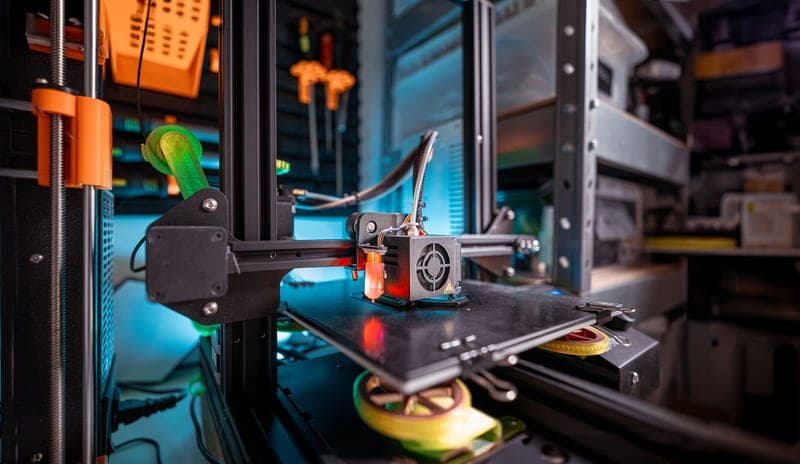
Stock photograph of this product class, not of this specific unit.
#ad We earn a commission · live price shown on Amazon
1. Buy this if your parts do not fit
Bambu Lab H2S
A reported 325 x 320 x 325 mm bed is the one thing on this page no upgrade can give you later.
The H2S exists to solve one problem: your part does not fit. At a reported 325 x 320 x 325 mm it is a different class of bed from everything in the P-series, and both the footprint and the 325 mm Z height are meaningfully larger.
It is the single-nozzle member of the H2 family, which is why it is the one I point most large-format buyers at rather than the H2D — the second nozzle is the part most people never use, and one hotend is one hotend to maintain.
What you are also buying is a bigger machine on the shelf, slower bed heat-up, more expensive plates and higher stakes on long prints. Those are real costs, and they are worth paying only if size is a genuine recurring problem rather than a preference.
What it gets right
- The large-format build area is the only thing a P1S genuinely cannot give you
- Single nozzle means one hotend to maintain instead of two
- Costs less than the H2D for the same reported footprint and near-identical bed size
What it does not
- No dual nozzle, so no support material in a different polymer and no two-color single-head workflow
- Large-format machines want floor or shelf space, not desk space
- If your prints all fit in 256 mm, you are paying for air
| Released | August 26, 2025 |
|---|---|
| Type | Large-format enclosed, single nozzle |
| Build volume (reported) | 325 x 320 x 325 mm |
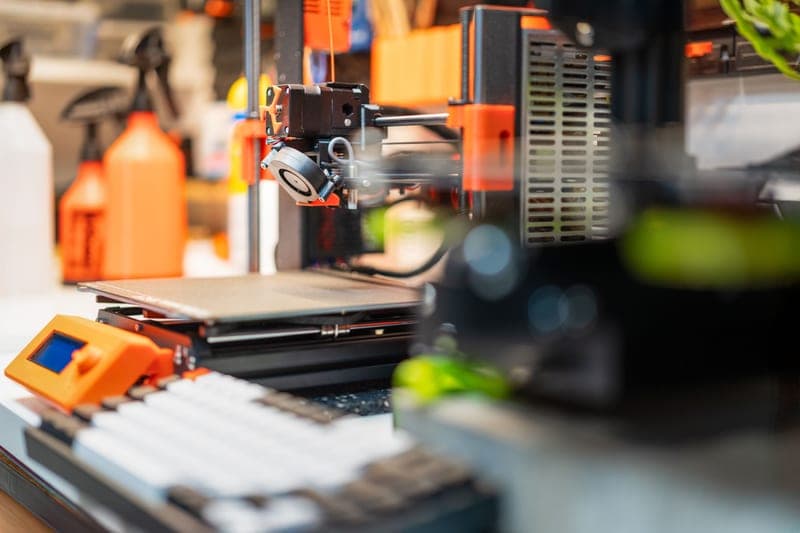
Stock photograph of this product class, not of this specific unit.
#ad We earn a commission · live price shown on Amazon
2. Buy this if your complaint is the workflow
Bambu Lab P2S
A touchscreen and a quick-swap nozzle on a 256 mm cube - a workflow purchase, honestly described.
The P2S is the P1S successor and it fixes two specific irritations: there is a touchscreen on the machine, and the nozzle is quick-swap. Both are genuine annoyances on a P1S and both are solved cleanly here.
For anyone whose parts already fit a 256 mm cube, this is the better of the two machines on this page, because it costs less, takes less space, heats faster and gives you the ergonomics the H2S does not uniquely offer.
It is explicitly not a print-quality or build-volume upgrade. Reported volume is the same 256 mm class as the machine it replaces. P1S vs P2S is the page for existing P1S owners weighing whether those two features are worth it at all.
What it gets right
- Quick-swap nozzle turns a 0.4-to-0.6 change from a maintenance task into a between-prints decision
- A real touchscreen on the machine, so you are not opening an app to start a print
- Same footprint and roughly the same build area as the P1S, so your enclosure and shelf still work
What it does not
- If you have never once wished your P1S had a screen, this is not the upgrade you need
- Reported build volume is a 256 mm cube — the same class as the P1S, so it buys you nothing in size
- Your P1S-specific third-party parts may not carry over; check fitment per part, not per brand
| Released | October 9, 2025 |
|---|---|
| Type | Enclosed CoreXY, P1S successor |
| Over the P1S | Touchscreen and quick-swap nozzle |
| Build volume (reported) | 256 mm cube |
Stock photograph of this product class, not of this specific unit.
#ad We earn a commission · live price shown on Amazon
3. The third option people end up at
Bambu Lab H2D
If you are already considering the H2S, the H2D is the same chassis plus a second nozzle and 25 mm.
Most people comparing the P2S and the H2S end up looking at the H2D too, so it belongs here. It is the H2S chassis with a direct-drive dual nozzle and a reported 350 x 320 x 325 mm bed.
The bed difference is 25 mm of width and rarely decides anything. The nozzle is the real question: two hotends mean a soluble or breakaway support material, or a second color without an AMS purge tower on every layer.
If neither of those is in your actual print history, the H2S is the better buy and the saving covers a dryer and spare plates. The full argument.
What it gets right
- Direct-drive dual nozzle is a different kind of machine, not a faster version of the one you own
- The largest reported build area of the models an enthusiast realistically buys
- Two hotends means dissolvable or contrast material without an AMS color-change purge every layer
What it does not
- This is the biggest single jump in money in the whole lineup — it has to replace a workflow, not a wish
- Two nozzles is two of every maintenance task
- If multi-color is the actual goal, an AMS 2 Pro on your existing printer gets you most of the way for a fraction of it
| Released | March 25, 2025 |
|---|---|
| Type | Large-format enclosed, direct-drive dual nozzle |
| Build volume (reported) | 350 x 320 x 325 mm |
| Laser Edition (reported) | Adds laser, blade and pen toolheads |
Questions people actually ask
Should I buy the Bambu Lab P2S or the H2S?
The H2S if you have split a model because of bed size in the last six months - its reported 325 x 320 x 325 mm build volume is the one thing no later upgrade can add. The P2S if your parts fit a 256 mm cube, because it costs less, takes less shelf space, heats faster and gives you the same enclosed single-nozzle printing.
Is the H2S bigger than the P2S?
Yes, substantially. The H2S is reported at 325 x 320 x 325 mm and the P2S at a 256 mm cube. The Z height difference matters as much as the footprint: tall parts like vases, lamp shades and prop weapons are where the H2 chassis changes what is printable in one piece.
Does the P2S print better than the H2S?
There is no reported print-quality difference between them, and neither is a quality upgrade over the other. Both are enclosed single-nozzle CoreXY machines with a touchscreen that take an AMS. The differences that matter are build volume, price and footprint.
I own a P1S - should I get a P2S or an H2S?
Neither, unless you can name the problem. A P2S adds a touchscreen and a quick-swap nozzle, both of which a third-party screen and a quick-change hotend deliver on the P1S you already own for far less. An H2S adds build volume, which nothing can retrofit - so buy it only if size is your actual complaint.
What about the H2D instead?
The H2D is the same chassis as the H2S plus a direct-drive dual nozzle and 25 mm more width at a reported 350 x 320 x 325 mm. The width rarely decides anything. Pay for it only if you want soluble or breakaway supports, or genuine two-material parts - otherwise the H2S is the better buy.
Sources
- Bambu Lab model list, release dates and model descriptions - Wikipedia
- Reported build volumes and chamber temperatures - third-party lineup roundups captured October 2026 (3dprinting.com, precwise.com, innoaddi.com)
Read this next
- Bambu Lab P1S vs P2SThe P2S adds a touchscreen and a quick-swap nozzle and no build volume. When that is worth a new machine and when a far cheaper part does the same job.
- Bambu Lab H2D vs H2STwo machines on one chassis. The beds are nearly the same; the difference is one nozzle, and most people will not use the second.
- Which Bambu Lab printer has the largest print areaThe H2D holds the largest reported figure at 350 x 320 x 325 mm - with the full table, the models we will not estimate, and the test for whether you need it.
- Upgrading from a P1SThe two reasons to replace a P1S and the four cheaper parts that cover everything else, with the arithmetic laid out.
- Bambu Lab P2S vs X2DP2S for workflow, X2D for materials. Both reported at a 256 mm cube, so neither is a size upgrade over a P1S.
- The best Bambu Lab printer for cosplay and propsWhy cosplay is a build-volume decision rather than a print-quality one, and the one machine that removes the most glue seams per dollar.