AMS & Color
The AMS 2 Pro upgrade kit, explained
Two kit variants, one switching adapter, and one requirement that catches people out: on an X1 or P1, active drying needs its own power supply.
By Michael W. · Published October 6, 2026
Some links here are Amazon affiliate links, so a purchase may earn this site a commission at no cost to you. It does not change what gets recommended or the order it appears in — how that works.
The short answer
The AMS 2 Pro Upgrade Kit is the connection hardware for adding an AMS 2 Pro to a P1P, P1S, X1C or X1E. Bambu Lab's own published contents are: a 4-pin Bambu Bus Cable, the AMS 2 Pro Switching Adapter, three PTFE tube couplers and three PTFE tubes (one 370 mm, two 550 mm).
It comes in two variants: one with a Filament Buffer and one with an AMS Hub. Everything else in the two kits is the same.
The requirement that catches people out: on X1 and P1 printers, the switching adapter must be used for the integrated drying function to work, and each AMS 2 Pro unit needs its own power supply if you are running drying on multiple units. The adapter is not required if you are not using drying.
What is in the kit
These are the manufacturer's published contents, retrieved from the official store product page on 6 October 2026. We have not added a part the store does not list.
| Part | Quantity | What it is for |
|---|---|---|
| Bambu Bus Cable, 4-pin | 1 | Data and control between printer and AMS |
| AMS 2 Pro Switching Adapter | 1 | Power supply - required on X1 and P1 for the drying function |
| PTFE Tube Coupler | 3 | Joining tube runs |
| PTFE Tube, 370 mm | 1 | Short run |
| PTFE Tube, 550 mm | 2 | Longer runs |
| Filament Buffer OR AMS Hub | 1 | The variable between the two kit versions |
Printer compatibility, as published: P1P, P1S, X1C and X1E. If you own an A1 or A1 mini, none of this applies to you — those machines take an AMS Lite instead, and the AMS 2 Pro does not fit them.
Filament Buffer or AMS Hub: which kit
This is the only real decision in the purchase, and it depends on how many AMS units you intend to end up with.
The Filament Buffer version
The buffer manages slack in the filament path for a single AMS feeding one printer. If one AMS 2 Pro is the plan and will stay the plan, this is the kit.
The AMS Hub version
The hub is the component that lets multiple AMS units feed one printer. If you already own an AMS and are adding a 2 Pro beside it, or you expect to chain units for more than four materials, the hub is the one to have.
The practical advice: if you are uncertain, think about whether you have ever wanted more than four materials loaded at once. Most people genuinely have not, and buying a hub against a hypothetical is spending for a workflow you do not have.
Do you need the kit at all?
Three situations, and only one of them needs this.
- Buying an AMS 2 Pro Combo with a new printer: no. The combo arrives connected.
- Adding an AMS 2 Pro to a P1P, P1S, X1C or X1E you already own: yes. This is exactly what the kit is.
- Replacing an original AMS with a 2 Pro on the same machine: check what you already have. You may have the bus cable and tubing from the first install; what you will not have is the switching adapter, because the original AMS does not dry.
On a P1S specifically, there is more to the decision than the parts list — adding an AMS to a P1S covers the space, the stacking and whether the 2 Pro is the right unit for that machine.
What the kit does not include, and what you may still want
Shelf or stacking space
An AMS sits beside or above the printer. On an enclosed P-series machine the usual answer is on top, which is why the AMS 2 Pro is a less intrusive purchase than an AMS Lite on an open machine. Measure before you order.
Spare PTFE tube and couplers
The filament path is the part of an AMS that goes wrong, and tube is a consumable. A kink or a worn coupler produces feed faults that read as a jam — PTFE tube replacement is the page for that, and filament not feeding is the diagnostic one.
A plan for TPU
Flexible filament and an AMS are an awkward pairing regardless of which unit you buy, because TPU buckles under compression rather than pushing. TPU in an AMS is the honest version of that, and the answer is often to feed TPU externally and leave the AMS for everything else.
What this page is based on
The kit contents, the two variants, the printer compatibility list and the switching-adapter requirement are all the manufacturer's own published information, retrieved from the official store product page on 6 October 2026 and cited below. The AMS variant capabilities come from Wikipedia. Nothing on this page was measured by this site, and no price is stated here because a price typed into an article is wrong within a month — how we review.
What to buy
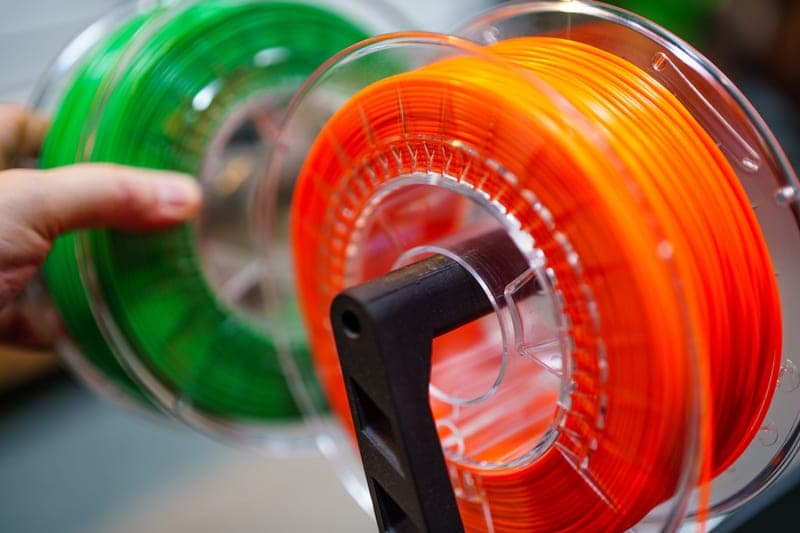
Stock photograph of this product class, not of this specific unit.
#ad We earn a commission · live price shown on Amazon
1. The unit the kit connects
Bambu Lab AMS 2 Pro
Active drying plus four colors on a machine you already own - the single best upgrade for a P1S or X1C owner tempted by a new printer.
The kit is plumbing; this is the thing it plumbs in. Active drying is what separates the 2 Pro from the original AMS, and it matters because it removes the transfer step: the spool you print from is the spool you dried, with no window where it sits in room air re-absorbing.
It inherits humidity monitoring and RFID logging from the original AMS, and the RFID part quietly prevents the most common cause of a ruined multi-color print — the wrong material profile against the wrong spool.
Two real costs. Four-color printing wastes filament on every tool change and the purge tower is not small. And it needs the space beside or above the printer that your shelf may not have. The full review is honest about both.
What it gets right
- Active drying means the spool you print from is the spool you dried — no transfer step, no re-absorption window
- Four colors on a machine you already own, for a fraction of a new printer
- RFID logging removes the single most common cause of a ruined multi-color print: the wrong material profile
What it does not
- Four-color printing wastes filament on every tool change; the purge tower is real and it is not small
- If you only print single-color PLA, you are buying a dryer with a filament changer attached
- Needs the space beside or above the printer that your shelf may not have
| Type | Four-spool automatic material system |
|---|---|
| Headline feature | Active filament drying |
| Inherits | Humidity monitoring and RFID logging from the original AMS |
Stock photograph of this product class, not of this specific unit.
#ad We earn a commission · live price shown on Amazon
2. If drying is not the reason you want this
Bambu Lab AMS
The cheapest route to four colors on an enclosed machine - sealed and monitored, but it does not dry.
Worth putting on this page because a fair number of people shopping for an AMS 2 Pro upgrade kit want four colors rather than drying. If that is you, the original AMS is the cheaper route to the same color capability on a P-series or X-series machine.
The sealed enclosure with humidity monitoring keeps loaded spools far drier than open air, and multiple units can be chained for more than four materials.
The distinction to be clear about: monitoring is not drying. A wet spool loaded here stays wet, and the readout tells you so. If that is your problem, a standalone dryer plus this unit is worth pricing against the 2 Pro.
What it gets right
- The cheapest route to four-color printing on an enclosed Bambu machine
- Sealed enclosure with humidity monitoring keeps loaded spools far drier than open air
- Multiple units can be chained for more than four materials
What it does not
- Monitors humidity; it does not do anything about it. That is what the 2 Pro added
- No active drying means a wet spool loaded here stays wet
- Not compatible with the A1 series, which uses AMS Lite instead
| Type | Four-spool filament storage and switching system |
|---|---|
| Features | Humidity monitoring and RFID logging |
| Drying | None — storage and monitoring only |
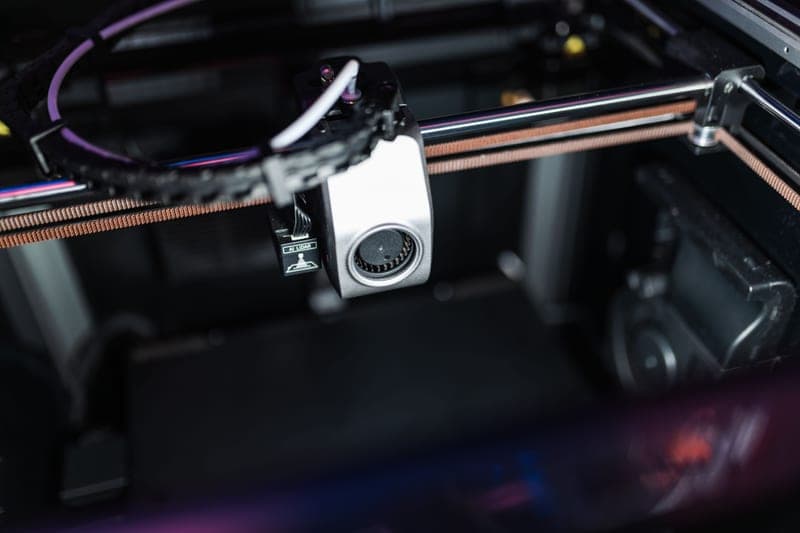
Stock photograph of this product class, not of this specific unit.
#ad We earn a commission · live price shown on Amazon
3. If one engineering spool is the real need
Bambu Lab AMS HT
Single spool, higher drying temperature, printed straight from the unit - the right shape for nylon and PC.
The AMS HT is on this page because the drying story is what sends most people toward the 2 Pro, and for engineering filament the 2 Pro is not actually the hottest option. The HT dries at a higher temperature, which is what nylon and PC need rather than prefer.
Printing directly from the dryer is the structural win, and it is the same argument as the 2 Pro's — no window where a dried spool sits absorbing moisture again. Single spool is the right shape for engineering filament, which you rarely want four of.
It costs real money for a capability a standalone high-temperature dryer also delivers, and it is only worth it if you print materials that genuinely need the extra heat. AMS HT against a standalone dryer is the comparison.
What it gets right
- Dries at a higher temperature than the AMS 2 Pro, which is what nylon and PC actually need
- Prints directly from the dryer, so there is no window where a dried spool sits absorbing moisture again
- Single spool is the right shape for engineering filament, which you rarely want four of
What it does not
- One spool. If multi-color is the goal, this is the wrong unit entirely
- Costs real money for a capability a standalone high-temp dryer also delivers
- Only worth it if you print materials that genuinely need the extra heat
| Type | Single-spool material system |
|---|---|
| Headline feature | High-temperature active drying |
Questions people actually ask
What is included in the Bambu Lab AMS 2 Pro Upgrade Kit?
Per Bambu Lab's published contents: one 4-pin Bambu Bus Cable, one AMS 2 Pro Switching Adapter, three PTFE tube couplers, and three PTFE tubes (one 370 mm and two 550 mm). The kit comes in two variants - one that adds a Filament Buffer and one that adds an AMS Hub - and everything else in them is the same.
Do I need the AMS 2 Pro switching adapter?
Yes, if you want the drying function. On X1 and P1 printers a separate power supply unit must be used for the integrated drying function to work properly, and each AMS 2 Pro needs its own if you are drying on multiple units. The adapter is not required if you are not using drying - but active drying is the main reason to choose a 2 Pro over the original AMS.
Should I get the Filament Buffer kit or the AMS Hub kit?
The Filament Buffer version if one AMS 2 Pro is the plan and will stay the plan. The AMS Hub version if you already own an AMS and are adding a 2 Pro beside it, or you expect to chain units for more than four materials. Most people have never actually wanted more than four materials loaded at once.
Which printers is the AMS 2 Pro Upgrade Kit compatible with?
The published compatibility list is P1P, P1S, X1C and X1E. The A1 and A1 mini are not on it - those machines take an AMS Lite instead, and the AMS 2 Pro does not fit them.
Do I need the upgrade kit if I bought an AMS 2 Pro Combo?
No. A combo arrives with the printer and the AMS connected. The kit exists for adding an AMS 2 Pro to a compatible printer you already own. If you are replacing an original AMS with a 2 Pro, check what you kept from the first install - you will have cable and tubing, but not the switching adapter, because the original AMS does not dry.
Sources
- AMS 2 Pro Upgrade Kit contents (Bambu Bus Cable 4-pin, AMS 2 Pro Switching Adapter, PTFE tube couplers and tubes), the two kit variants, printer compatibility and the switching-adapter requirement for drying - official Bambu Lab store product page, retrieved 2026-10-06
- AMS, AMS Lite, AMS 2 Pro and AMS HT descriptions and capabilities - Wikipedia
Read this next
- Bambu Lab AMS 2 ProWhy active drying makes the AMS 2 Pro a different product from the original AMS, and the case for buying it instead of a new printer.
- Which AMS to use with a P1SWhich AMS fits a P1S, why the 2 Pro is the pick over the original, and what to plan for before it arrives.
- AMS 2 Pro vs AMS LiteThe AMS 2 Pro fits enclosed machines and the AMS Lite fits the A-series. What each does, and the gap you have to fill on an A1.
- Replacing an AMS PTFE tubeHow to tell a reseat from a replacement, how collet release buttons work, and why part numbers matter more than brand here.
- AMS HT vs a filament dryerThe reabsorption gap explained, and whether it justifies an AMS HT over a standalone high-temperature dryer for your print mix.
- Drying filament in an AMSWhich AMS units actually dry, what that gets you over a standalone dryer, and the material ceiling that still applies.